
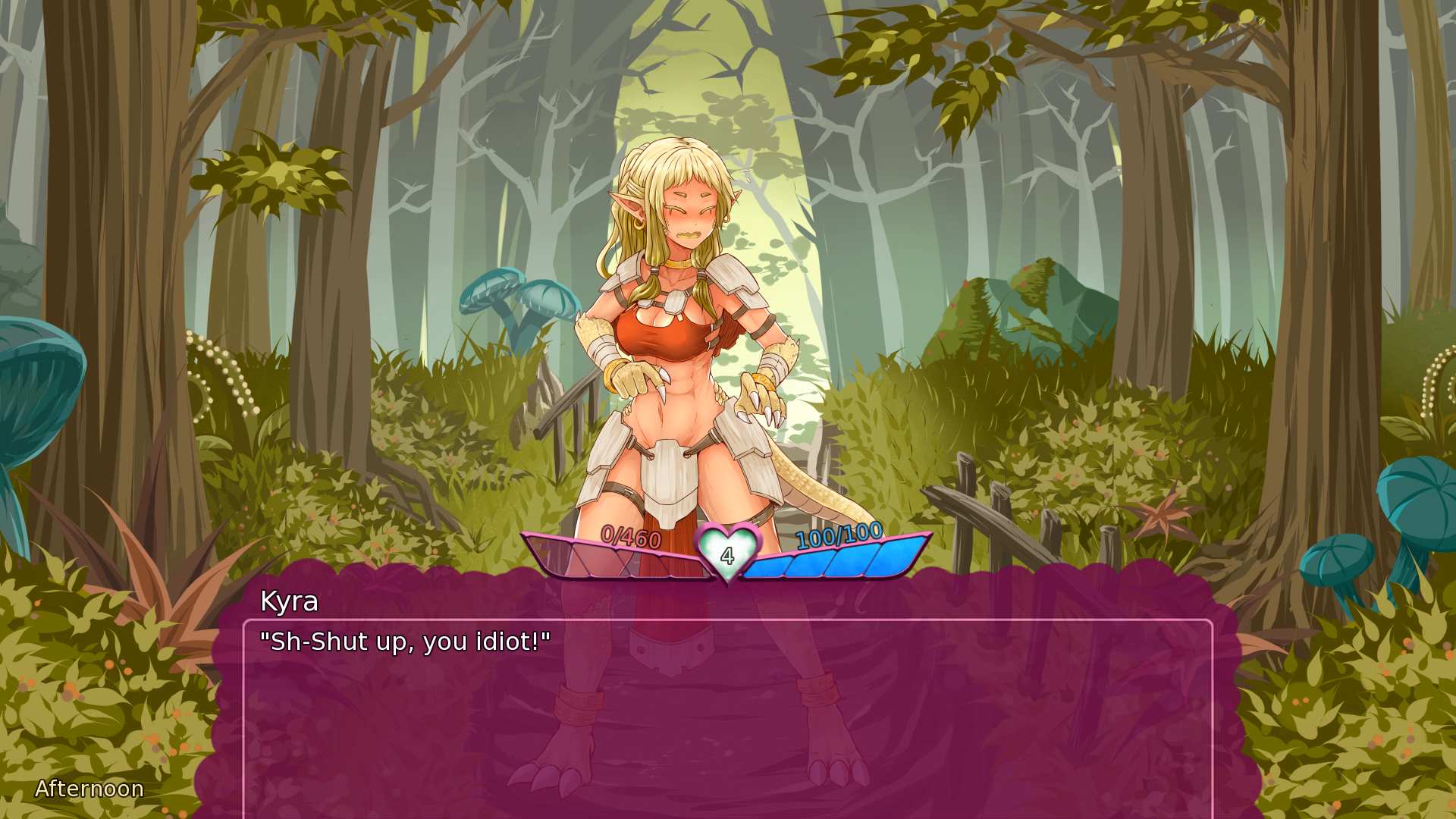
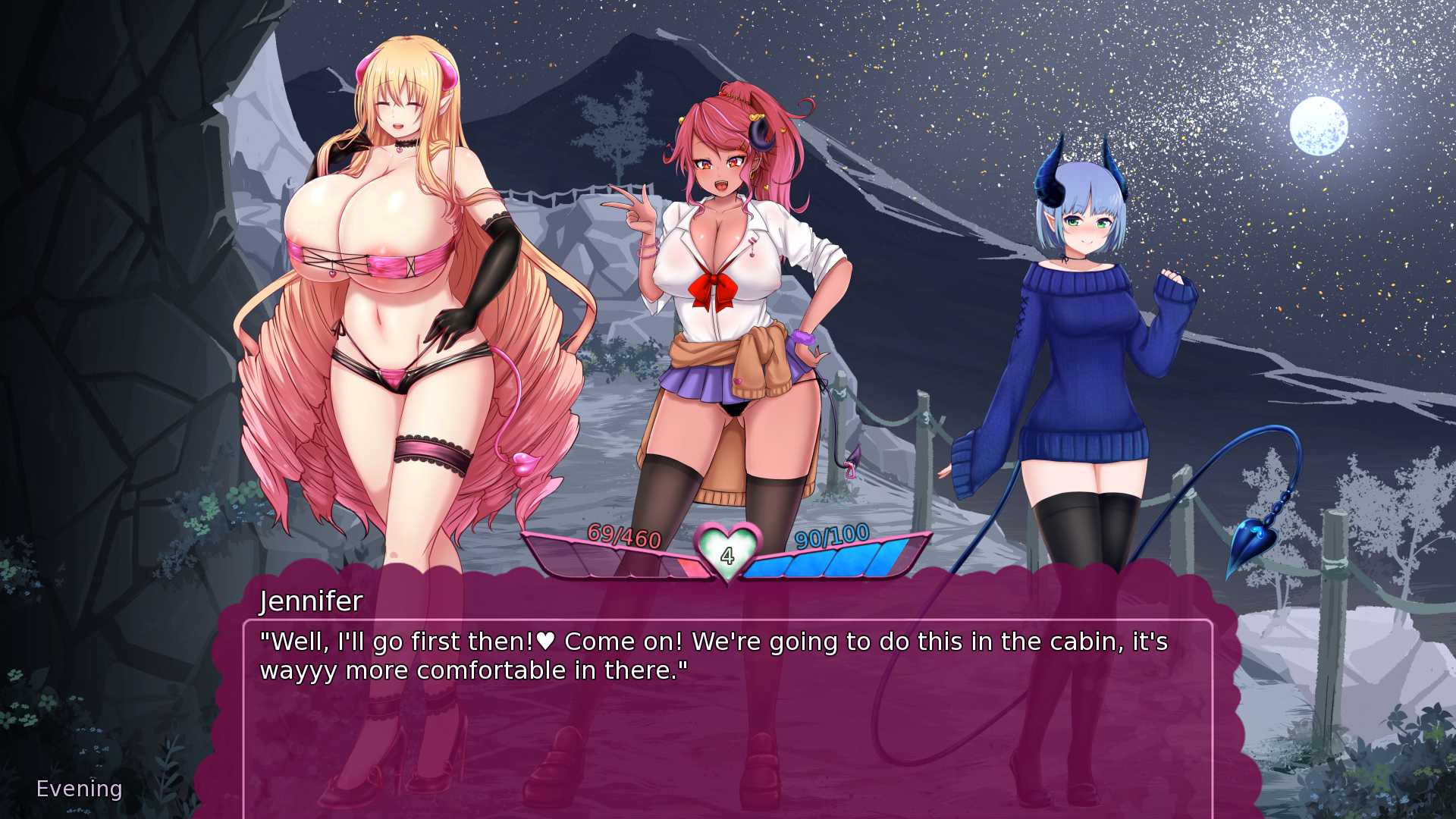
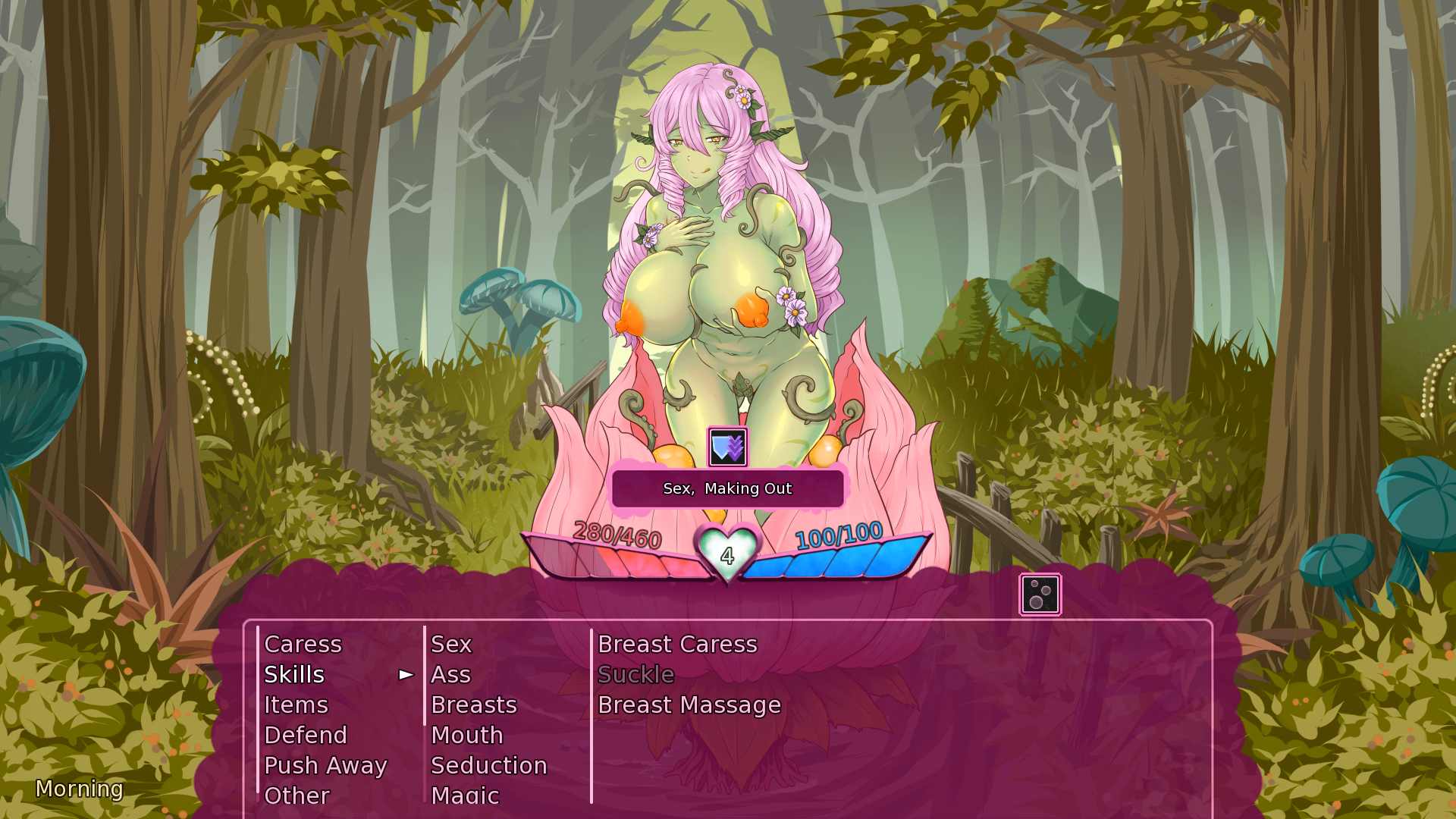
Monster Girl Dreams is a text based BFRPG made in Ren’Py. (The BF stands for Battle Fuck.)
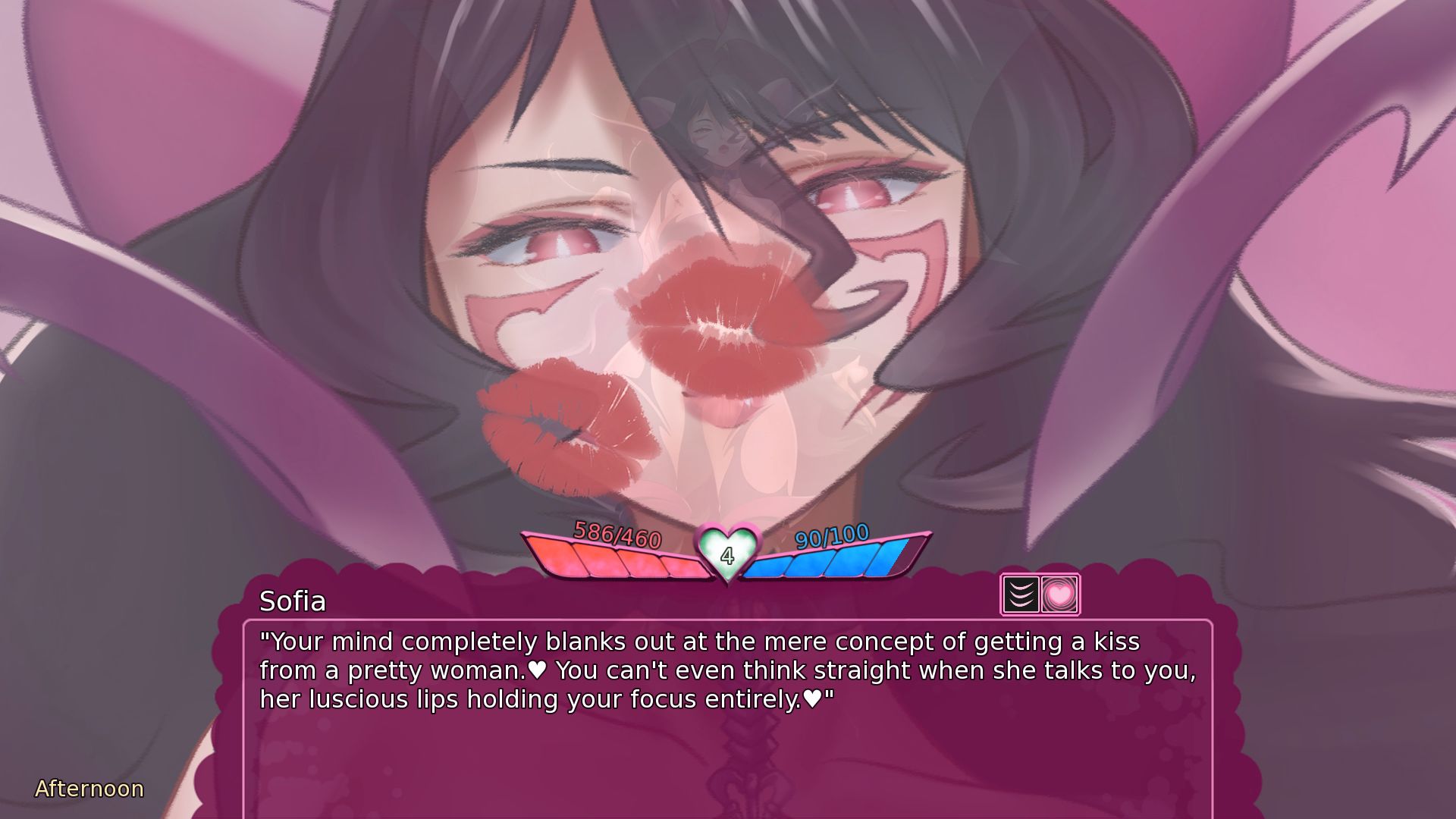
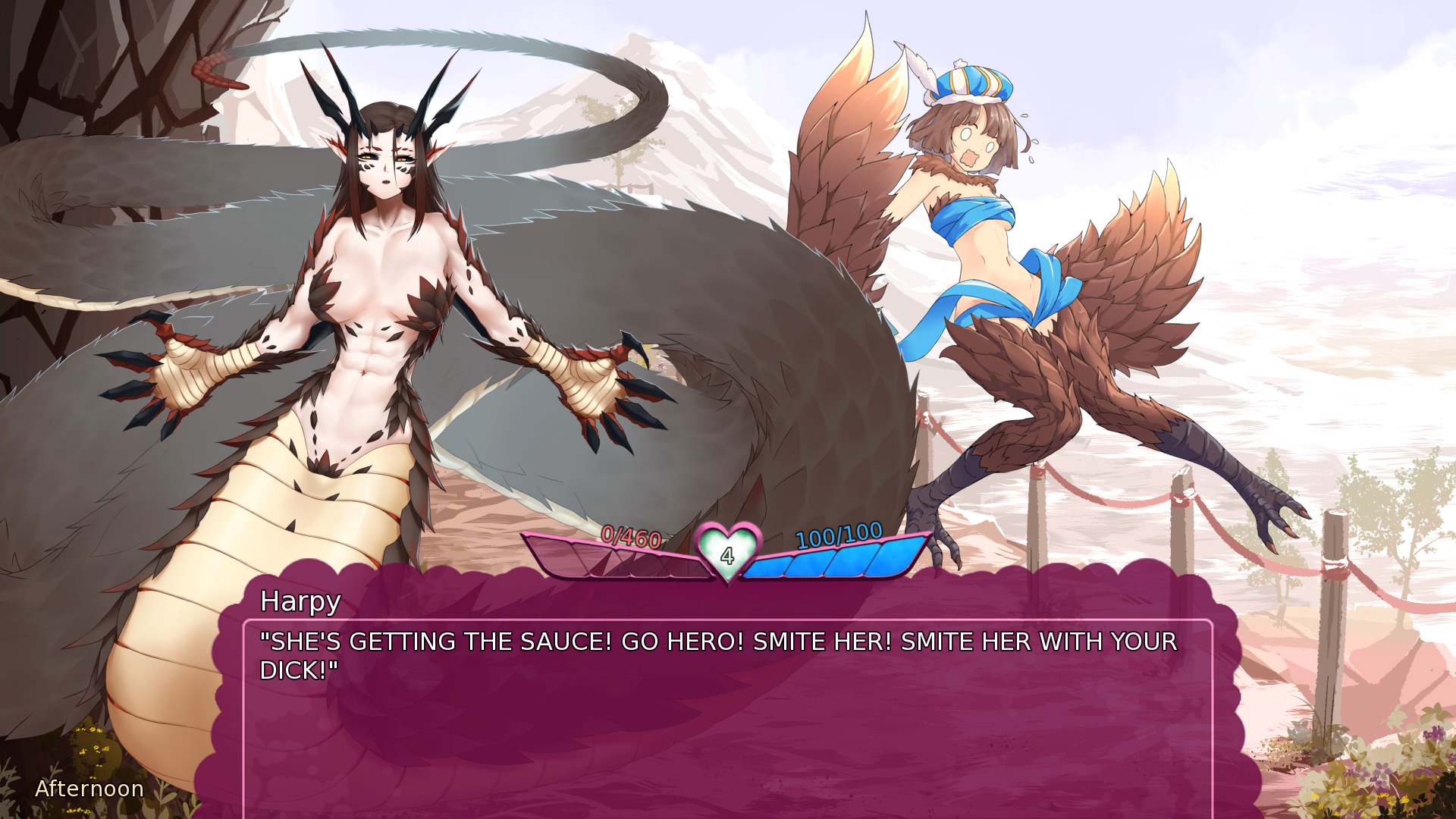
The game is currently in alpha and is in active development, and while primarily text based there is character art for many of the lovely ladies in game.
Erotic content contained withing is primarily vanilla, M/F, femdom, and of course monster girls.
In Monster Girl Dreams you play as a male adventurer, freshly graduated from the adventuring school, Adventum!
Now you must venture across the home continent of the monster girls, Lucidia, in an attempt to get rich, or get fucked into submission trying. Also defeat the Demon Queen. Maybe.
At the start of the game you create your character and define their combat stats and weaknesses in a point buy system, and must choose at least one fetish for the monster girls to exploit with their temptations.
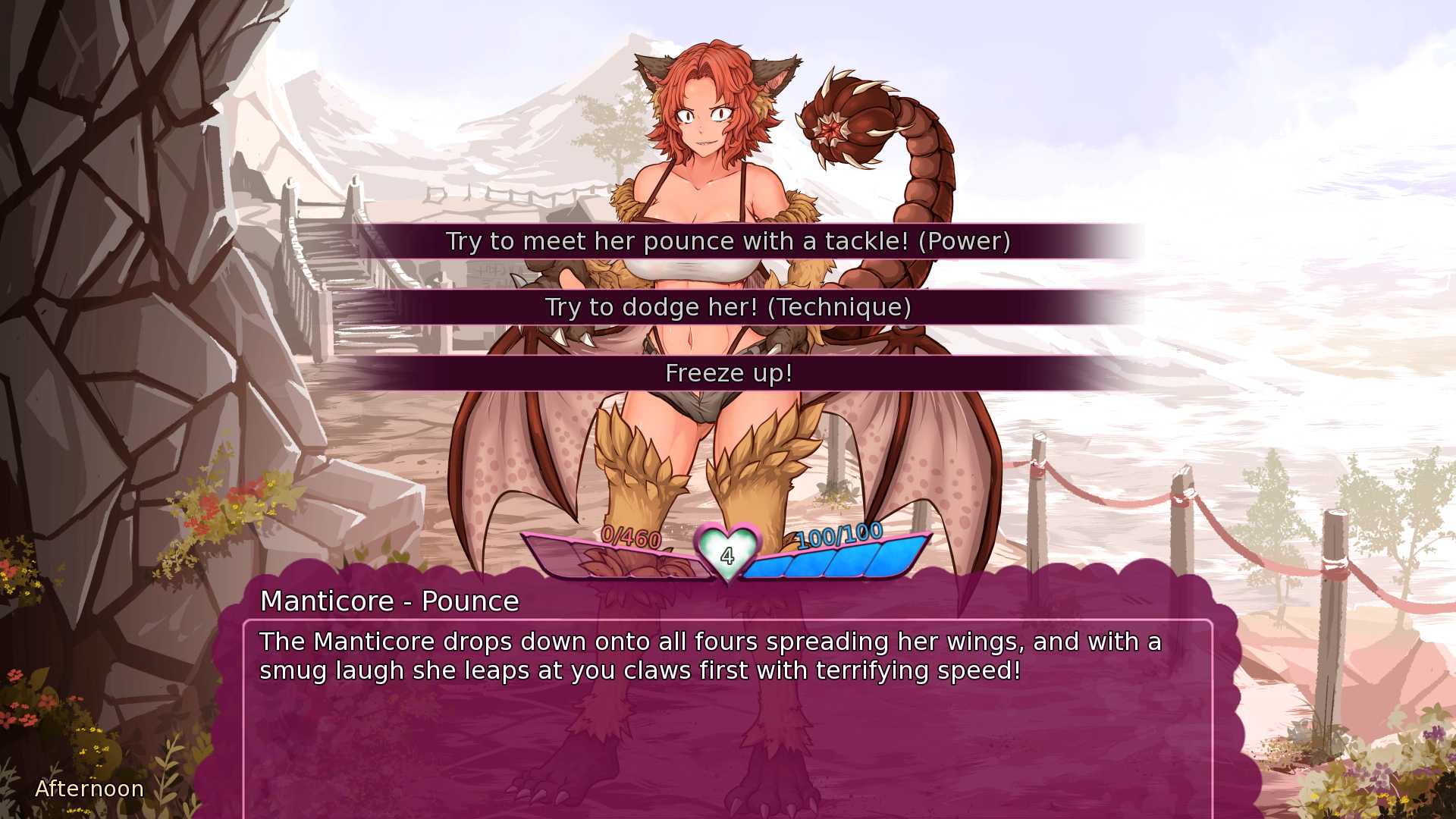
Gameplay functions similar to many standard turn based rpg games, but you utilize numerous sex techniques to defeat your female opponents, all while not trying to give into the enticing pleasures they offer.
Monster girls will have an array of status effects and temptations to throw at you, as well as the ability to put you into multiple sexual stances. They will probably also use their numbers to pin you down and fuck you silly!
But you’ll be able to get the edge of your opposition by leveling up and choosing perks to help define your play style as well as equipping various items to boost your sexual powers even further, or to help make up for a weakness.
Or you could just say screw that, running forward without any planning, and get ravished into unconsciousness by the lewd monster girls.
You can also spend time getting immersed in the games whimsical setting and (usually) upbeat tone as you get to know some of the monster girls.
They might even hold your hand instead of trying to fuck you silly.
It’s also moddable.
Good luck if you decide to try modding it! There’s a guide in the game’s download for those interested.
Installation:
1- Extract and run.
Developer: Threshold
Censored: No
Version: 27.2a
Language: English
Genre: Text Based, Male Protagonist, RPG, Monster Girls, Femdom, Turn Based Combat, Rape
v27.2a Change Log
Remember to load your save from the town square.
Also be sure to always install the game into a fresh folder (unless it’s patch data) to avoid weird issues. Saves are kept in a separate location, so they’re safe.
Balancing
- Updated the Willpower damage reduction equation. It now gives a bit more damage reduction at higher Willpower, while also scaling up faster at negative values, but capping at -100 Willpower (x3.33333 damage), in order to avoid numbers possibly overflowing into oblivion and making the player immune to damage.
Fixes
- Redid the ‘first come, first served’ scene pick-up method in order to account for modding additions. Now, whenever a mod has a victory/loss scene with the same stance requirement as a base game scene, the game will pick randomly from among the available scenes.
- The Melody/Cadence Skill for swapping from Face Sitting to Sex when neither of them are riding the player can now actually be used, meaning they will no longer be stuck Face Sitting you once their partner is defeated.
- The Willpower debuffs caused by Melody/Cadence and other similar fights can no longer overflow, which could cause them to do only 1 damage on hit.
- The descriptions of Fragrance Rune’s effects are now all consistent with each other, as well as with the rune’s actual effects.
- The name of Spectra Jelly’s buff effect is no longer improperly labeled as Veloci Jelly, which also prevented players from using both Jellies at the same time.
- Succubus Juice’s buff effect is no longer improperly labeled as Drowsy Dreamer, which also prevented players from using both items at the same time.
- The Mimic will now use her other loss scenes and not default to her stanceless loss scene.
- Assorted typo-fixing and editing.
- Support Developer of this game:
- Patreon
- Itch
- discord
- Subscribestar
Download for Windows/ Linux
Download for Windows/ Linux - Compressed
Download for Mac
Download for Mac - Compressed
Download for Android
Download for Android - Compressed
- swipe down to hide the ui
- swipe left to roll back
- swipe right to start skipping of text
- swipe 2x left&right to open the game menu
- swipe up&down to toggle a small window with memory usage information
- longpress the save file thumbnail in the save/load screen to delete this slot
View WIKI
Download Mods
Manually Installing Mods
It is recommended to use the in-game mod menu to download and install mods to avoid human error. This allows you to either copy/paste a link to a mod or drag and drop a mod zip file from your desktop. Optionally, you can follow the manual steps below.
- Ensure your save is in the town square whenever updating the selection of mods! Optionally, name the save via the option in the bottom right of the save menu and keep a vanilla and modded save. It is unlikely a modded save will become unstable, but it could influence the stats of your character in a undesirable way.
- Windows/Linux
- Navigate to Mods/ from the base folder of Monster Girl Dreams, where you found the game executable.
- Extract the .zip file for the mod and place its default mod folder (which contains multiple subfolders) into Mods/
- macOS
- Right click the MonGirlDreams application, select “Show Package Contents”. Navigate to Contents/Resources/autorun/Mods/
- Extract the .zip file for the mod and place its default mod folder (which contains multiple subfolders) into Mods/
- Android
- Note: While mods on Android are technically possible, it requires considerable more effort, and is only possible for versions of Android prior to Android 13.
- Navigate to Android/data/monstergirldreams.program/files/, and create the set of folders game/Mods/ and game/Images/, now get inside Mods/
- Extract the .zip file for the mod and place its default mod folder (which contains multiple subfolders) into Mods/
- If applicable, merge any Images subfolder into game/Images/. Make sure it only contains the .png files and not the folder itself.
- Don’t worry if the game freezes after taking the first action in-game, it’s normal and will unfreeze in a short while (less than half a minute)
- Windows/Linux
- Launch the game!


