




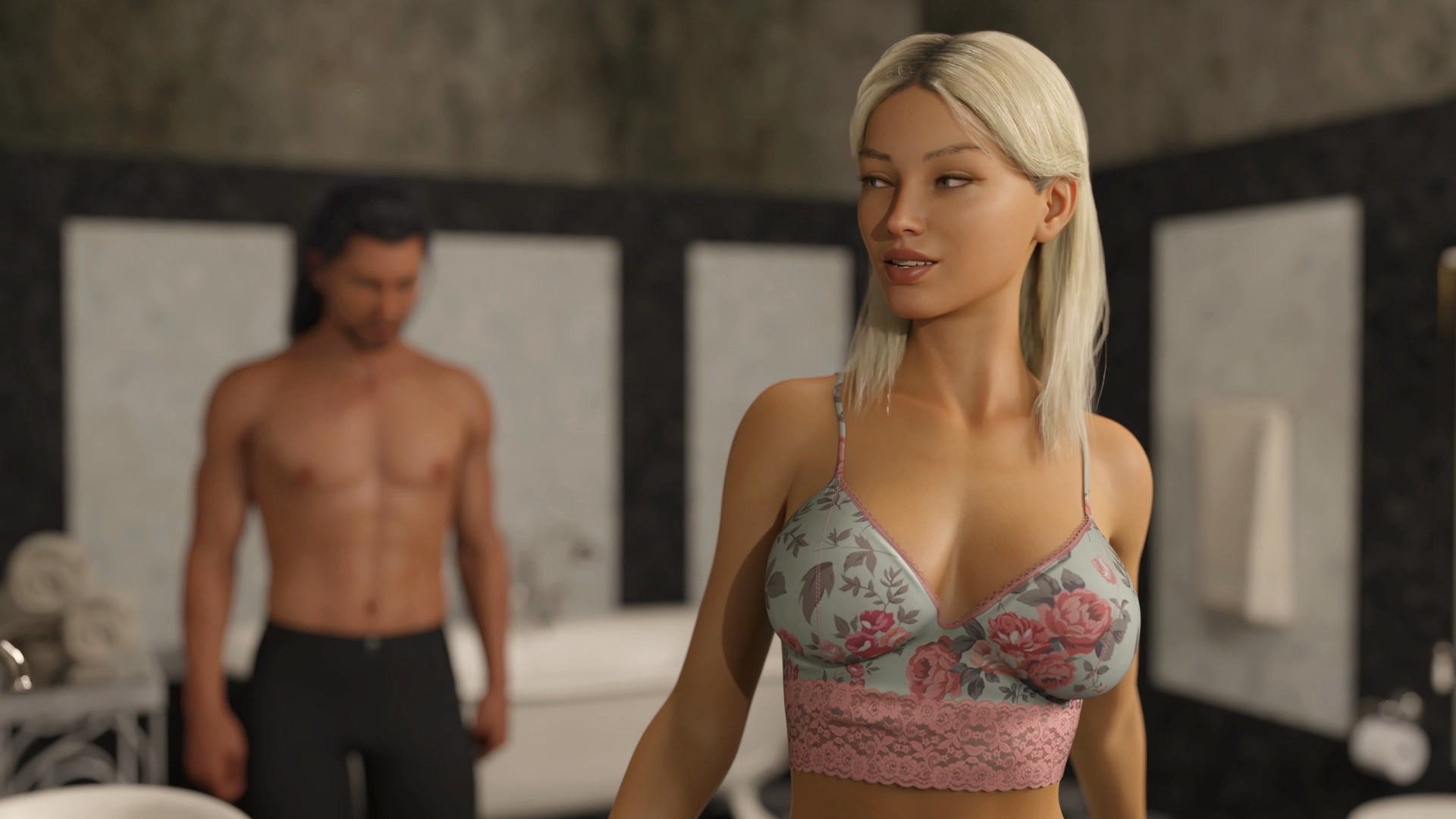


The Judas Ghost is an interactive visual novel where you’ll be able to move around a mansion in a day / night cycle while choosing which quests to explore, who to interact with, and move at your own pace through each individual girl’s storyline. You’ll also be able to buy outfits and items within a currency system, build your affection level with the girls, and have the ability to find hidden items which may lead to secret scenes.
Installation:
1- Extract and run.
Developer: Lockheart
Censored: No
Version: Chapter 2 Part 2 – v1.3.28
Language: English
Genre: 3DCG, Adventure, Animated, Big ass, Big tits, Dating Sim, Fantasy, Groping, Handjob, Humor, Masturbation, Male Protagonist, Mystery, Oral Sex, Paranormal, Point & Click, Religion, Romance, Sandbox, Teasing
Planned tags
Harem, Footjob, Graphic Violence, Male Domination, Milf, Monster Girl, Pregnancy, Puzzle, Spanking, Sex Toys, Vaginal Sex, Virgin, Voyeurism
Kinks that don’t match tags: Punishment, Spectrophilia, Spanking
The list of tags and kinks is subject to change. We reserve the rights to change, add or remove, tags and kinks at any time in development.
Some content like “puzzle” are optional or panned to be skippable through the in-built hint system.
v1.3.28
Next to a few additional typos being fixed, this version has
- Gemma: Alternate, Exchange, Escalation, Inspection VI (with lewd and quite naughty bits)
- Minerva: Confession
- Judy / Story: <redacted>
- The mute button in the main menu is to tell Judy to be quite. All other audio is unaffected by it. We will update the icon to something more appropriate later.
- Kinetic Mode: When starting a new game, the player has the choice between playing the Kinetic Mode or Adventure Mode.
The Kinetic Mode for the Prelude and Chapter I is pretty much set in stone. The scenes might still feel a bit “jumpy”, since they were written primarly with the sandbox Adventure Mode in mind. - Menu Button in Dialogue: Added a “Menu” button to access settings etc. next to the “Skip” button while dialogue is shown.
- End Replay Button: Added a “End Replay” button next to the “Menu” Button
- Fixed a bug that prevented loading of new content from an existing save v1.2.10 or earlier.
- Support Developer of this game:
- Patreon
- discord
- Subscribestar
- Steam
Download for Windows/ Linux
Download for Windows/ Linux - Compressed
Download for Mac
Download for Mac - Compressed
Download for Android
- swipe down to hide the ui
- swipe left to roll back
- swipe right to start skipping of text
- swipe 2x left&right to open the game menu
- swipe up&down to toggle a small window with memory usage information
- longpress the save file thumbnail in the save/load screen to delete this slot
Download Coin Guide
Download Save
The Ren’Py engine stores save games and persistent data under a separate folder. It’s exact location depends on the host operating system.
Windows:
%APPDATA%/RenPy/game_directory
This is usually:
C:\Documents and Settings\YOURNAME\Application Data\RenPy\game_directory
Where YOURNAME is your username.
Mac OS X:
~/Library/RenPy/game_directory
Android :
android/data/ or here: SD:/Android/data/com.{gamename}.program/files/saves/.
Linux/Other:
~/.renpy/game_directory





Anonymous
Never trust a homo.
Up
Said by a homo