

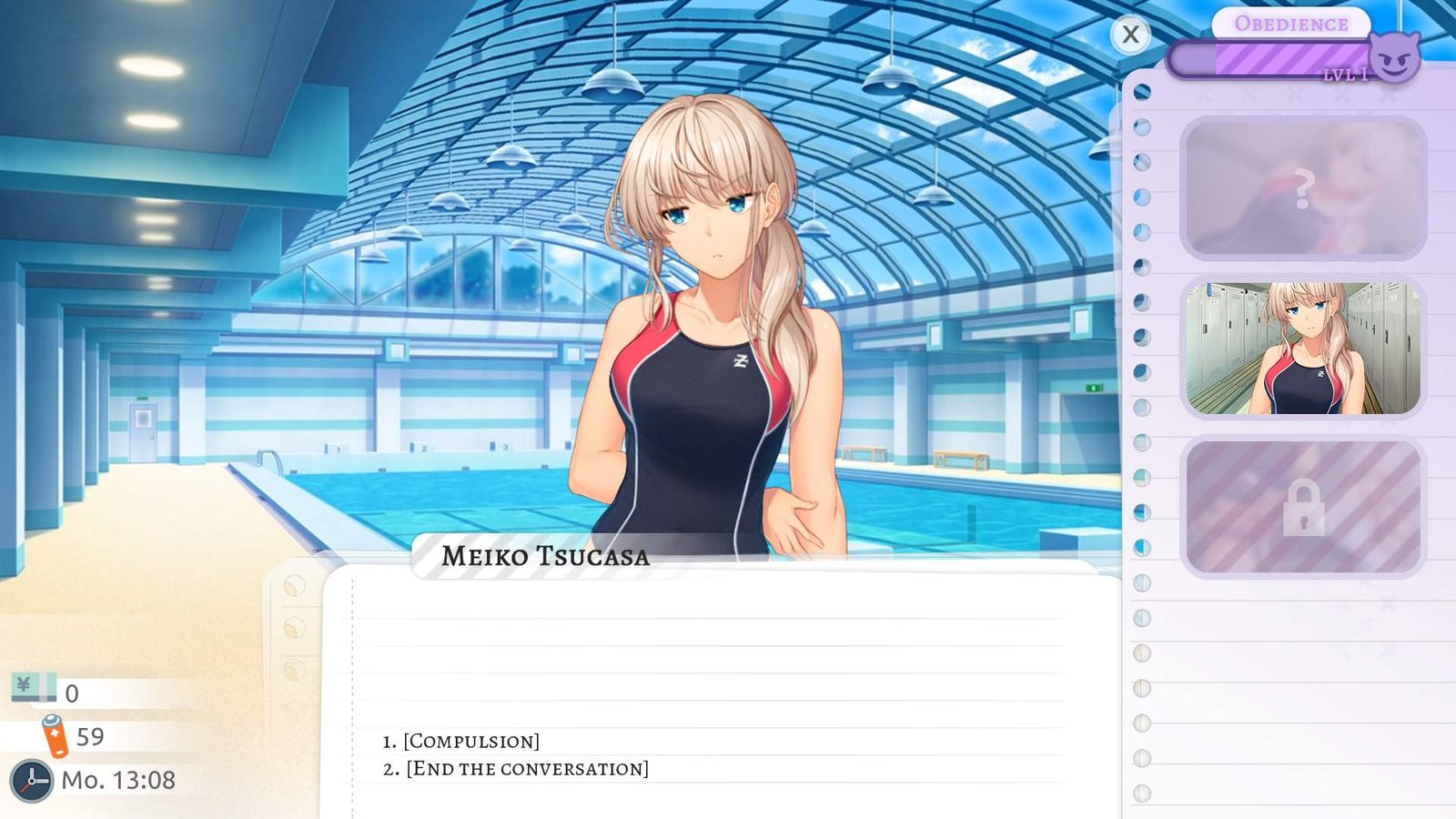
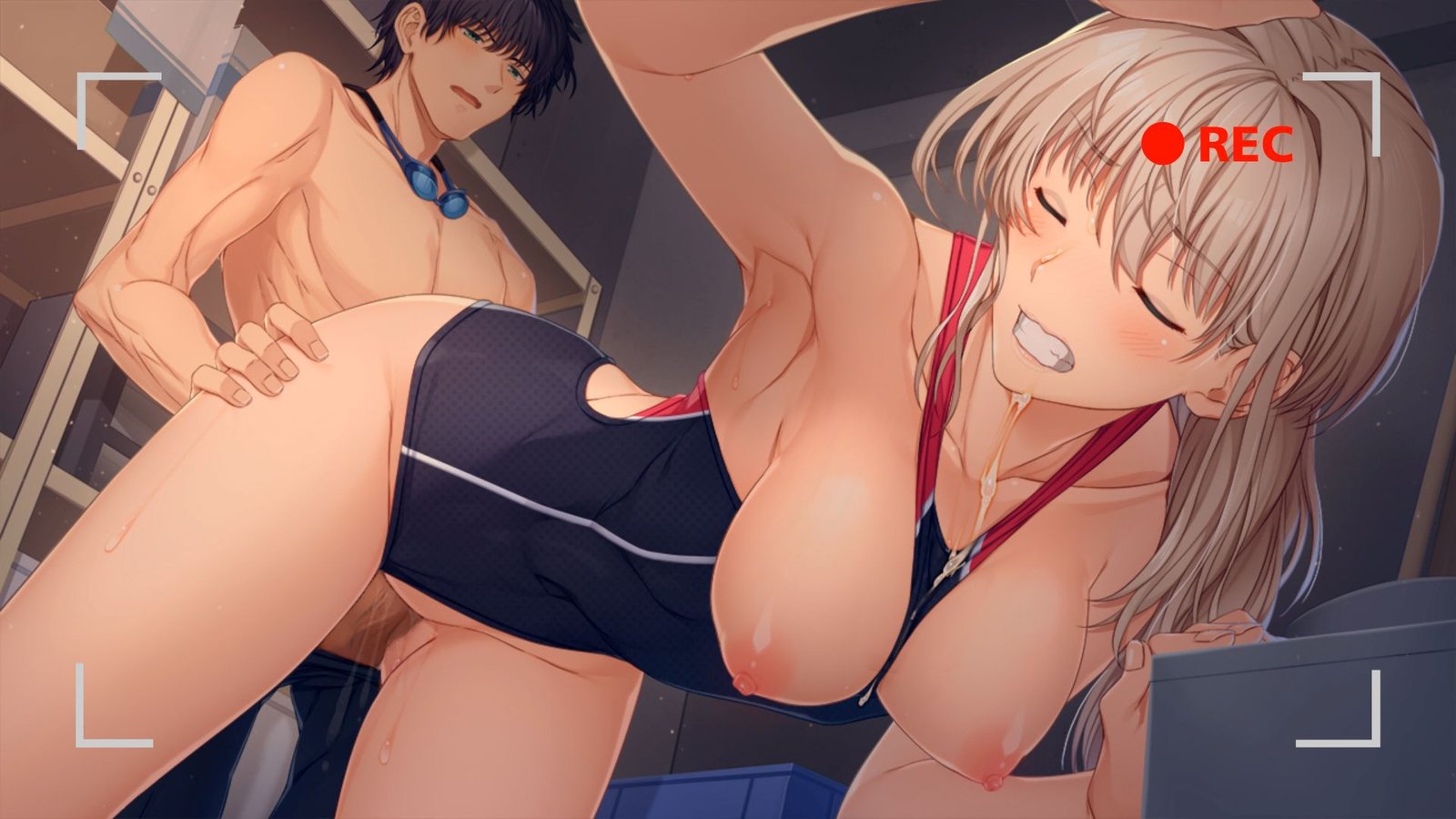
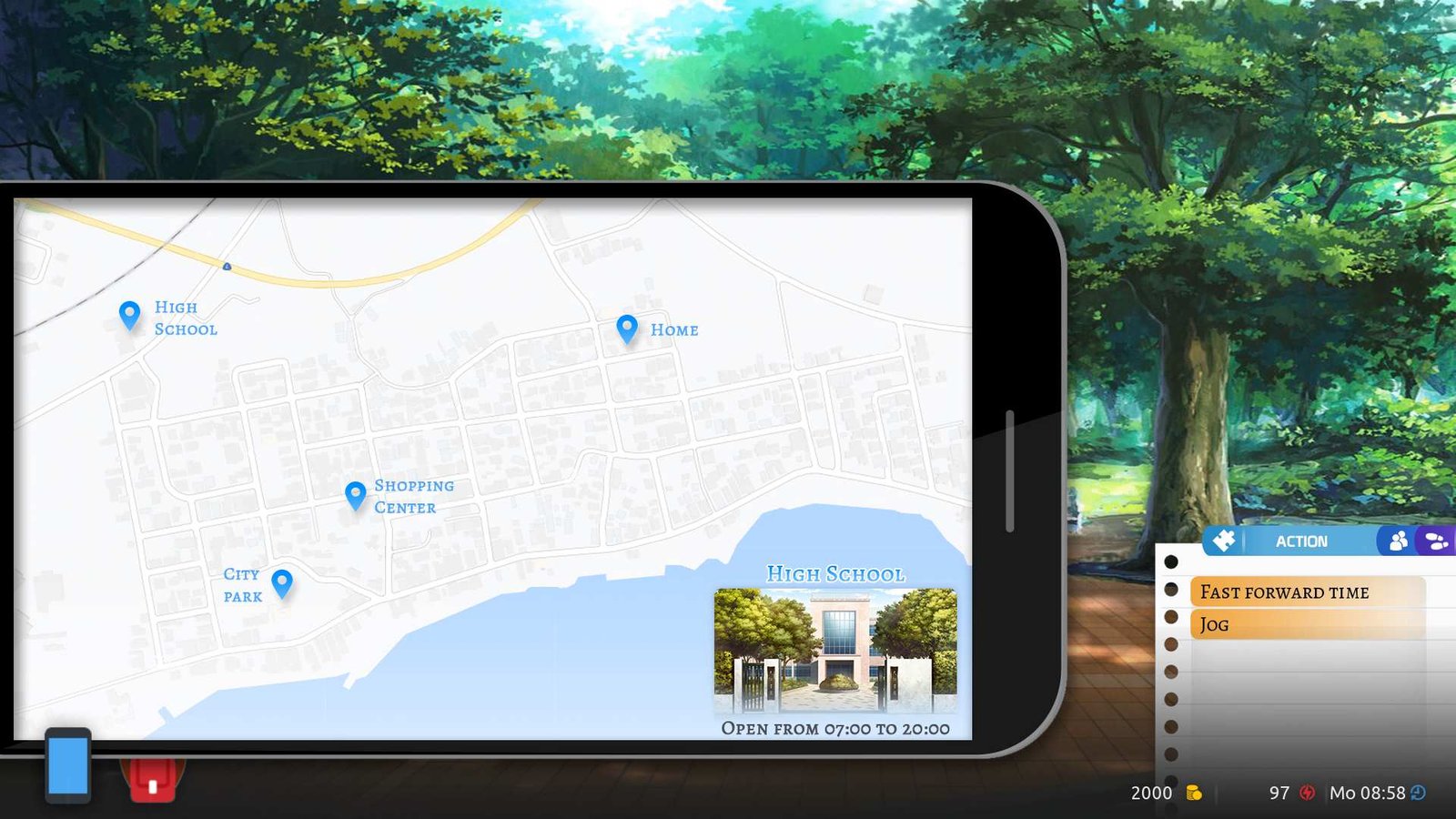
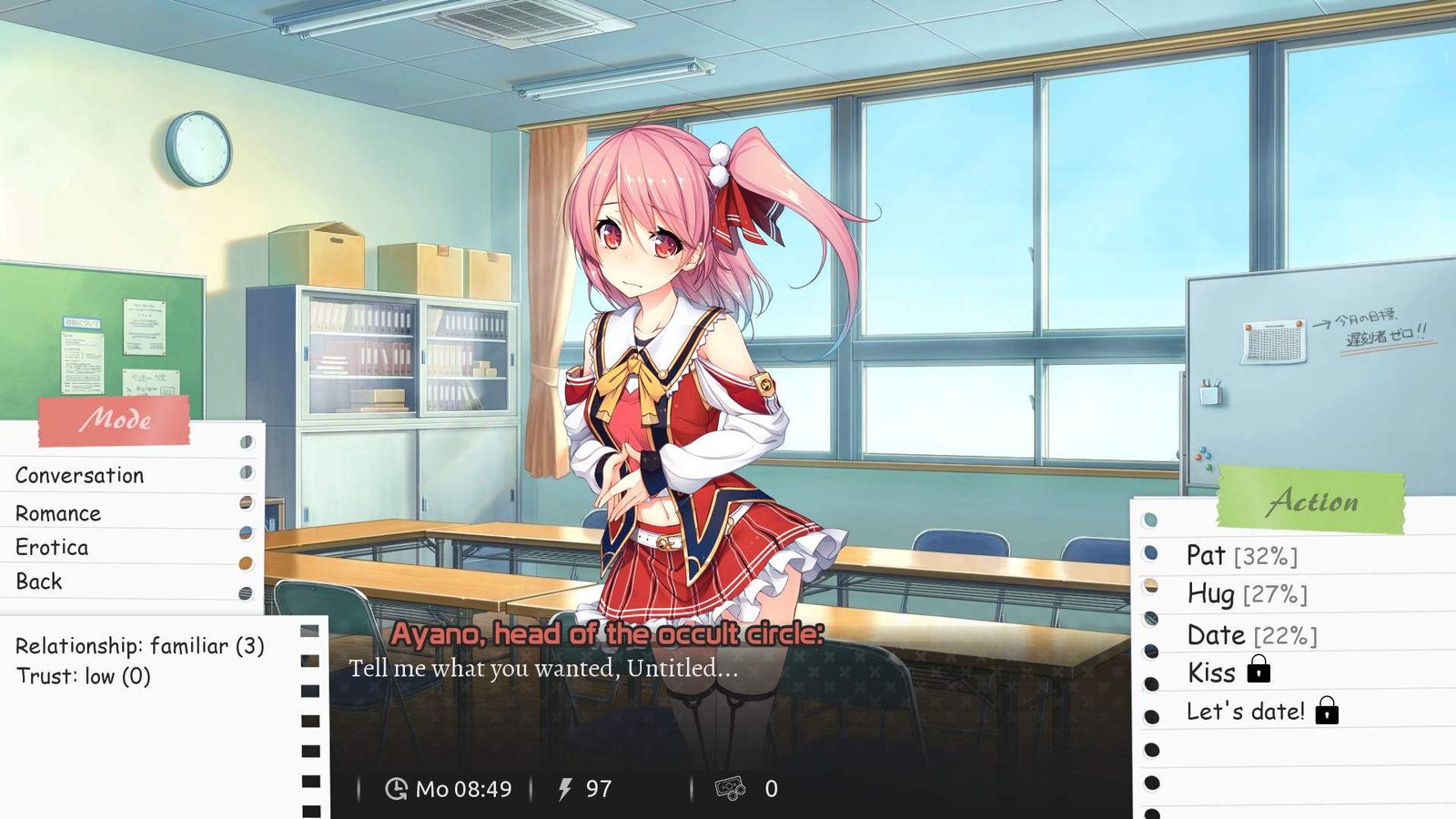
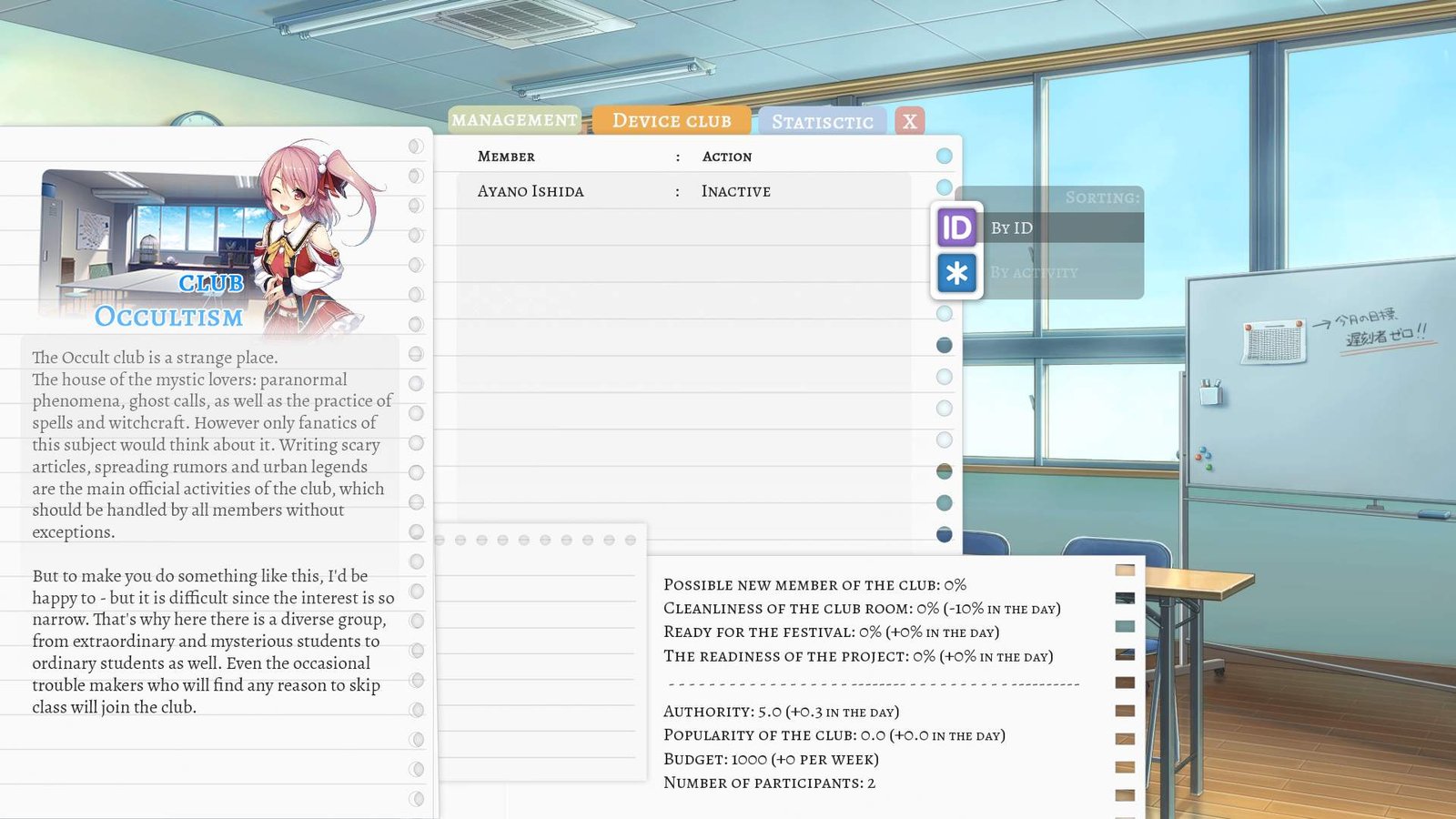
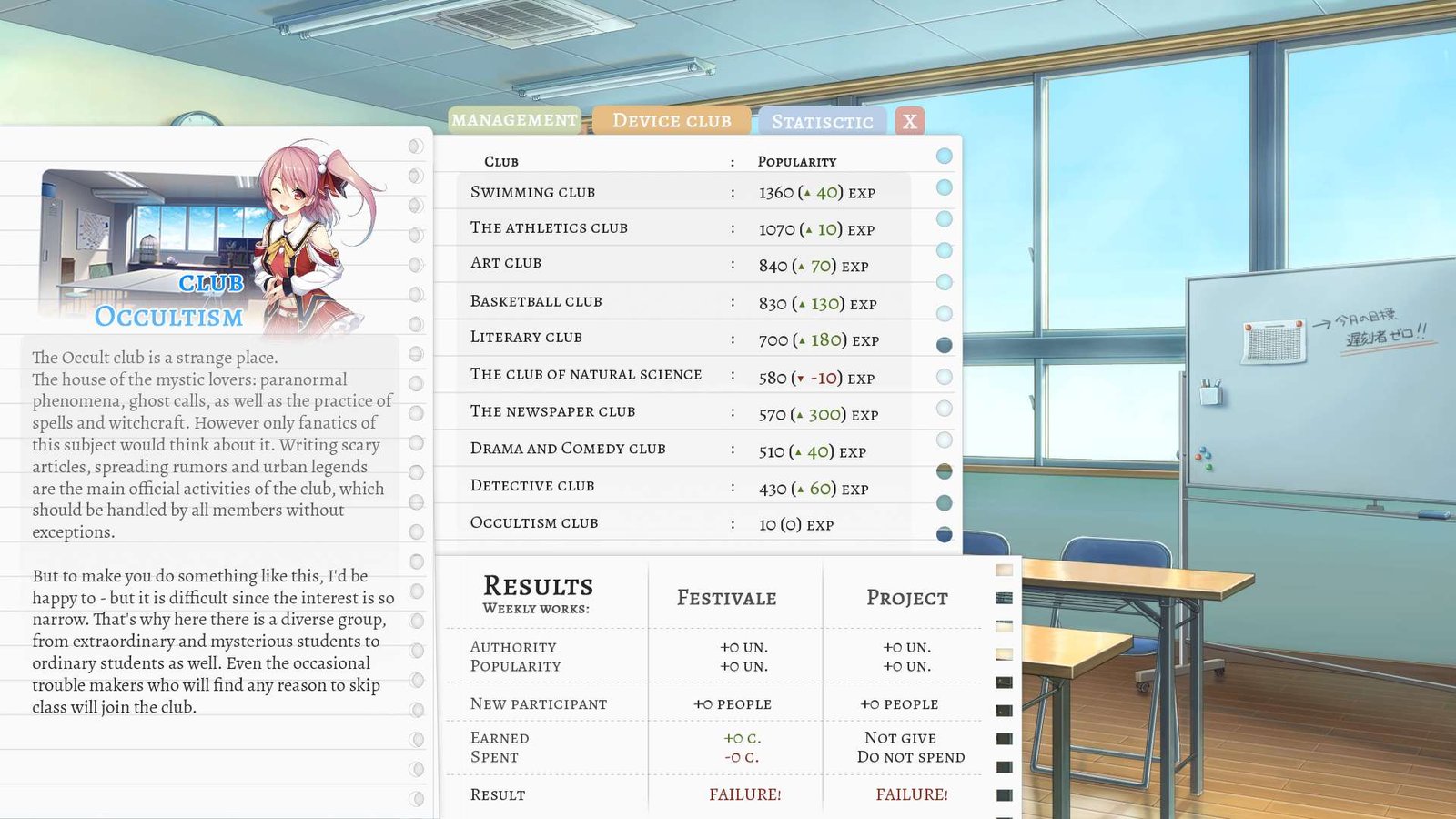
School Game is a game with RPG elements. You create your character and evolve in a school environement. Learn skills, buy equipement, meet classmates, build your reputation and budget, be a member of the student council and various clubs, and improve your relationship with the head of the student council, which you may decide to replace. Isn’t it what everyone wanted in high school, even in student years: complete freedom of action?
Installation:
1- Extract and run.
Developer: Sloths Command
Censored: No
Version: v0.981
Language: English
Genre: 2D Game, 2DCG, Male Protagonist, Mobile Game, Big Tits, Creampie, Sandbox, RPG, Simulator, Strategy
v0.962
Spoiler
So, a full month has passed since the release of version 0.961, which means it’s time for the release of the new version 0.962, which brought quite a lot of innovations and fixes to the existing content. Well, the first thing worth mentioning is the most desired content according to the votes – playing for a girl and content in this direction. Especially for playing for a girl, many different exclusive events were added that can and will fall out for your girl character. Well, who your girl character will be is another question that also received attention. A huge amount of new intimate customization for girls has appeared: breast settings, such as their shape, nipple types, the position of these very nipples, different types of vulvas, intimate hairstyles and some other details are waiting for you right now, in this update, both in your character editor and in the RNPC editor. Following these innovations, new variations of sexual contact with randomized NPCs also appeared – for example, anal sex, a bunch of new petting, cunnilingus and many other variations available for your character. In addition to all this, the ability to import / export your character was added, all scenes with RNPCs were improved, several new scenes with the story character Azumi Yoshida, a continuation of the plot with Suzuki Matsui, more opportunities to use your in-game business, improvements to many existing mechanics of the game and many other things available, again, right in this update. And you can find out about other things a little lower, in the list of changes, and now – the release date of this version for different roles of Patreon subscribers.
- Support Developer of this game:
- Patreon
- Itch
- discord
- Subscribestar
Download for Windows
Download for Linux
Download for Mac
Download for Android
- swipe down to hide the ui
- swipe left to roll back
- swipe right to start skipping of text
- swipe 2x left&right to open the game menu
- swipe up&down to toggle a small window with memory usage information
- longpress the save file thumbnail in the save/load screen to delete this slot
Download Fixed Crack
ooks like previous crack is not working on 0.954. After I drop it in /game it’ll show I’m logged in but it tries to connect and verify when starting a new game.
Edit: Fixed the crack, sort of. Modified patreonhax.rpy to below. I’ll also note the game seems to lag out if you load a saved game using this. I dunno if its from the crack or a legit game bug. Also this site keeps stripping the formatting and removing the idents on the return calls so you’ll have to add them back in.
Edit 2: Found a work around for saved games. Just start a new game first then load your saved game and it seems to work fine. Attached the modded patreonhax.rpy so people don’t need to worry about the formatting. Drop it in /game per usual.
init 999 python:
def avaera():
return 26persistent.avaera = avaera
persistent.fast_connect_ = True
old_subs = persistent.avaera()
count_reconnect = 0def search_name():
return “John”persistent.search_name = search_name
persistent.name_user = persistent.search_name()
persistent.successfull_enter_in_game = True
persistent.download_queue_progress[‘connection’] = ‘successful’def Connect_In_Game():
returndef control_connection():
return end_connect()
View Cheats
Codes not working in 0.927 Bug Fix 1 Public?
Yes, the developer disabled entering any other code than the comrade one to the code box. So this is how you activate the codes on 0.927-1 in 3 easy steps:- While in main menu, open the developer console by pressing
Shift + O. - Type in
Patreon_Code_M = "ytlmoe"and press enter. This will enter the “bestfriend” code to the game like you would normally do via the code input box. The working codes are listed below (codes from 0.926 work on 0.927-1). - Type in
Patreon_Code = 3and press enter. This will set the correct code tier for “bestfriend”. Tiers are:- 1 – comrade
- 2 – friend
- 3 – bestfriend
After that you are all set and you are playing with the codes activated. Have fun.
To automate this process:- Create a new file called
patch01.rpyin thegamefolder (or download the one from the attachment View attachment patch01.rpy ) - Insert these 2 lines of code into that file:Python:
define Patreon_Code_M = "ytlmoe" define Patreon_Code = 3 - Enjoy!
- While in main menu, open the developer console by pressing
- Here’s the batch of the latest cracked codes for 0.926 and 0.927:
The format is: tier:code
Comrade tier is the “lowest” tier and Best Friend is the “best” tier- comrade:
bqmyqa - friend:
mhprjx - bestfriend:
ytlmoe
- comrade:
- If you’re on Android you can go to /Android/data/school.game and make a folder called game, in there if you make a file called patch01.rpy and enter this in, the code will be applied next game startPython:
define Patreon_Code_M = "ytlmoe"
define Patreon_Code = 3




Anonymous
THE HOMOSEXUAL MANIFESTO
“The family unit-spawning ground of lies, betrayals, mediocrity, hypocrisy and violence–will be abolished. The family unit, which only dampens imagination and curbs free will, must be eliminated. Perfect boys will be conceived and grown in the genetic laboratory. They will be bonded together in communal setting, under the control and instruction of homosexual savants. “All churches who condemn us will be closed. Our only gods are handsome young men. We adhere to a CULT of beauty, moral and esthetic.”
Anonymous
Watch ” BOMBSHELL: Epstein is WHY Square Enix Went Woke! (Smash JT) ”
The fag who stalks me keeps lying about how they are trying to groom you into being a fag but more proof comes out every day. TV, games, music, social media and the education system are ALL trying to make you gay. . ,. .. . . .. . . ….. .,.. .
Truth
sheesh, someone stalks you? thank you for spreading the TRUTH, because no one talk about TRUTH anymore except you.
Truth
Closer. Capitalize the first word of each sentence.
Truth
I will don’t have time for this so in order to beat the anti-spam filters a slightly reworded rundown: Watch the video, or don’t, whatever. it’s only a little bit interesting take on how Epstein wanted to extract more money from kids mixed with some bad “correlation does not imply causation” logical fallacy that Anonymous Coward relies on. Also, he will call me gay, believe that satire is reality, that literally every word I say is a lie (technically impossible), and his tired propaganda bullshit trying to discredit me based on ad hominem, yadda yadda yadda.
Now you can get back to your porn. Or not. I’m not like Nohomo trying to make people all be the same.
Anonymous
Game for anonymous pedo cowards.