

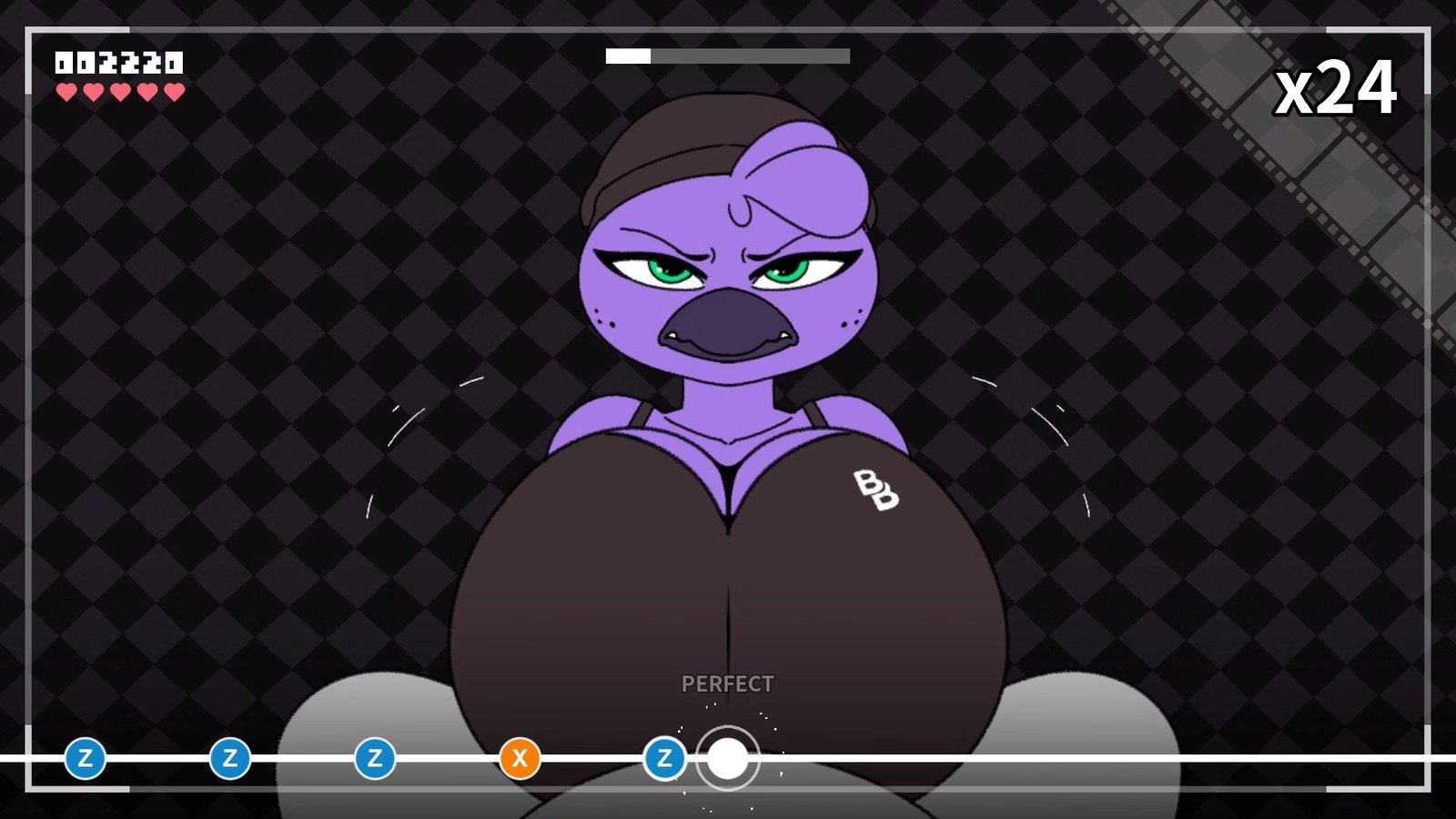
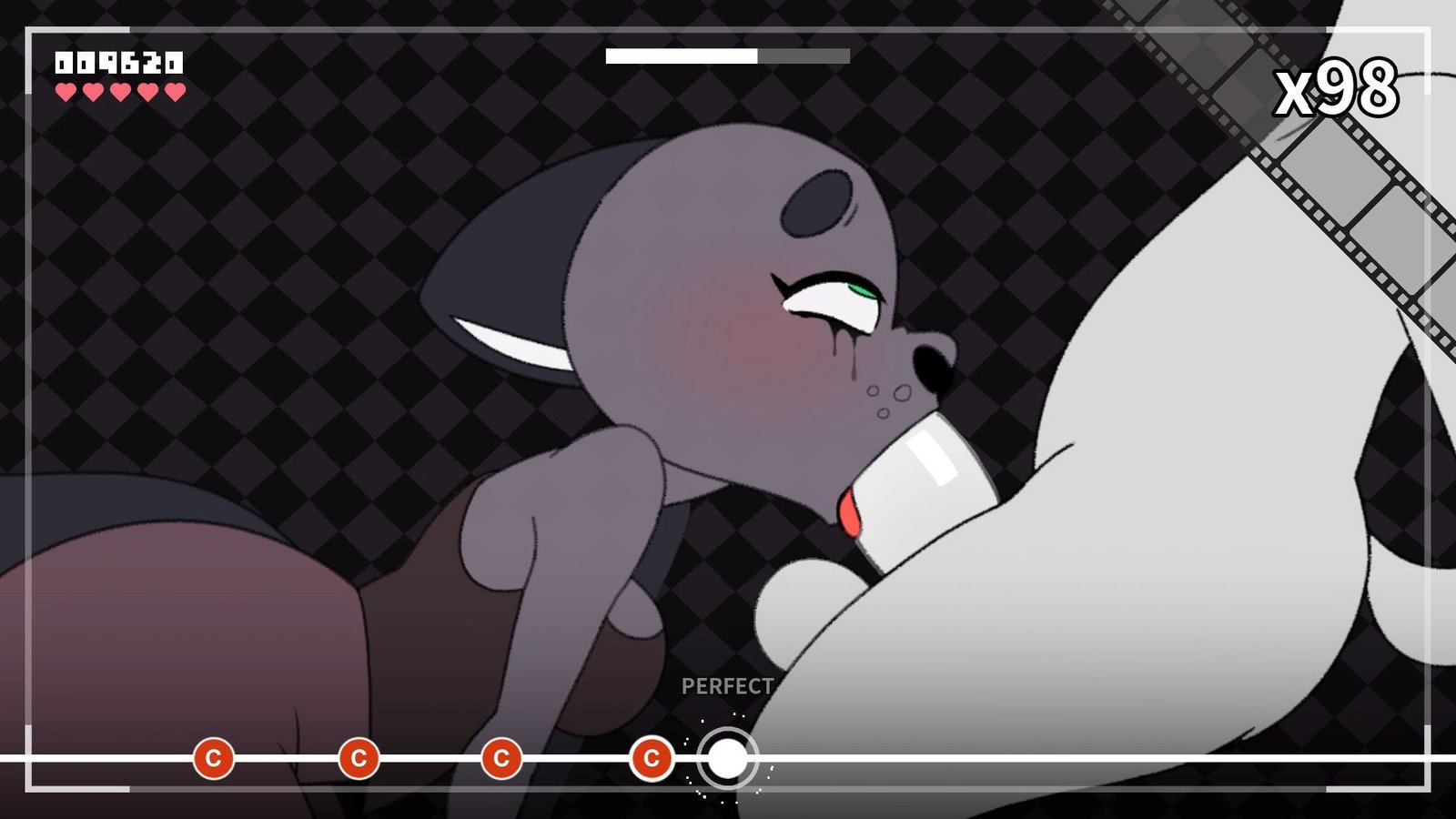
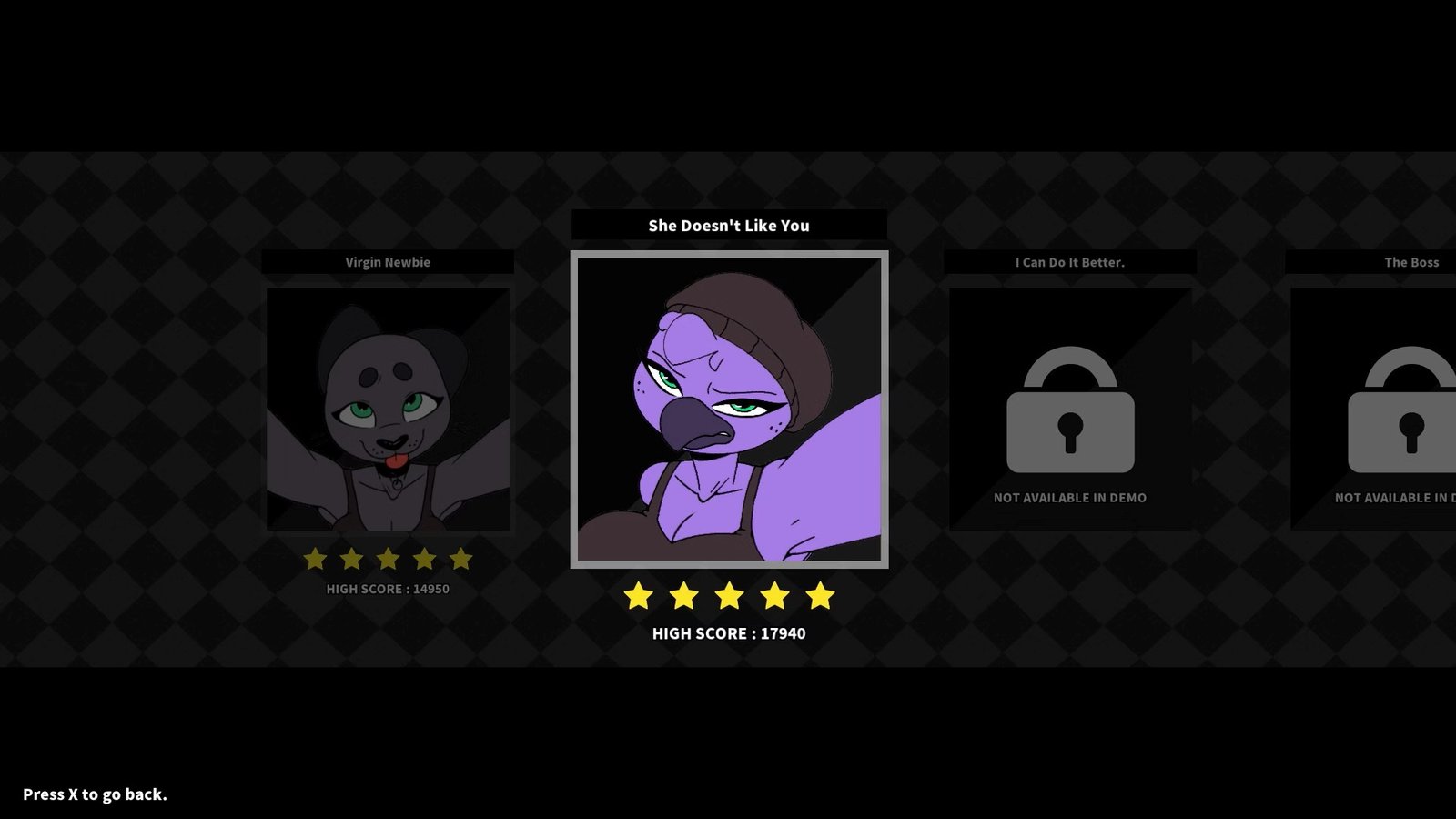
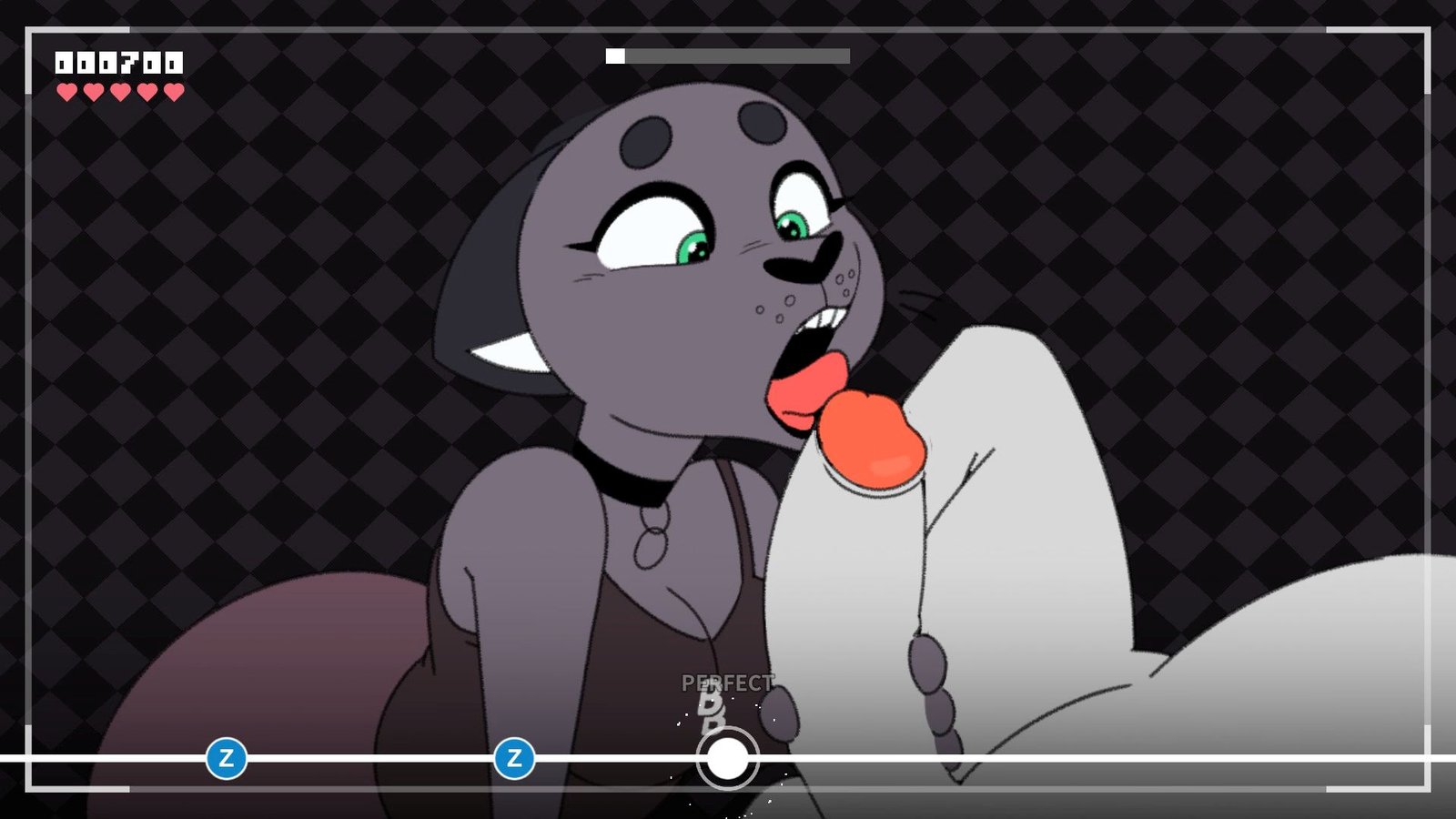
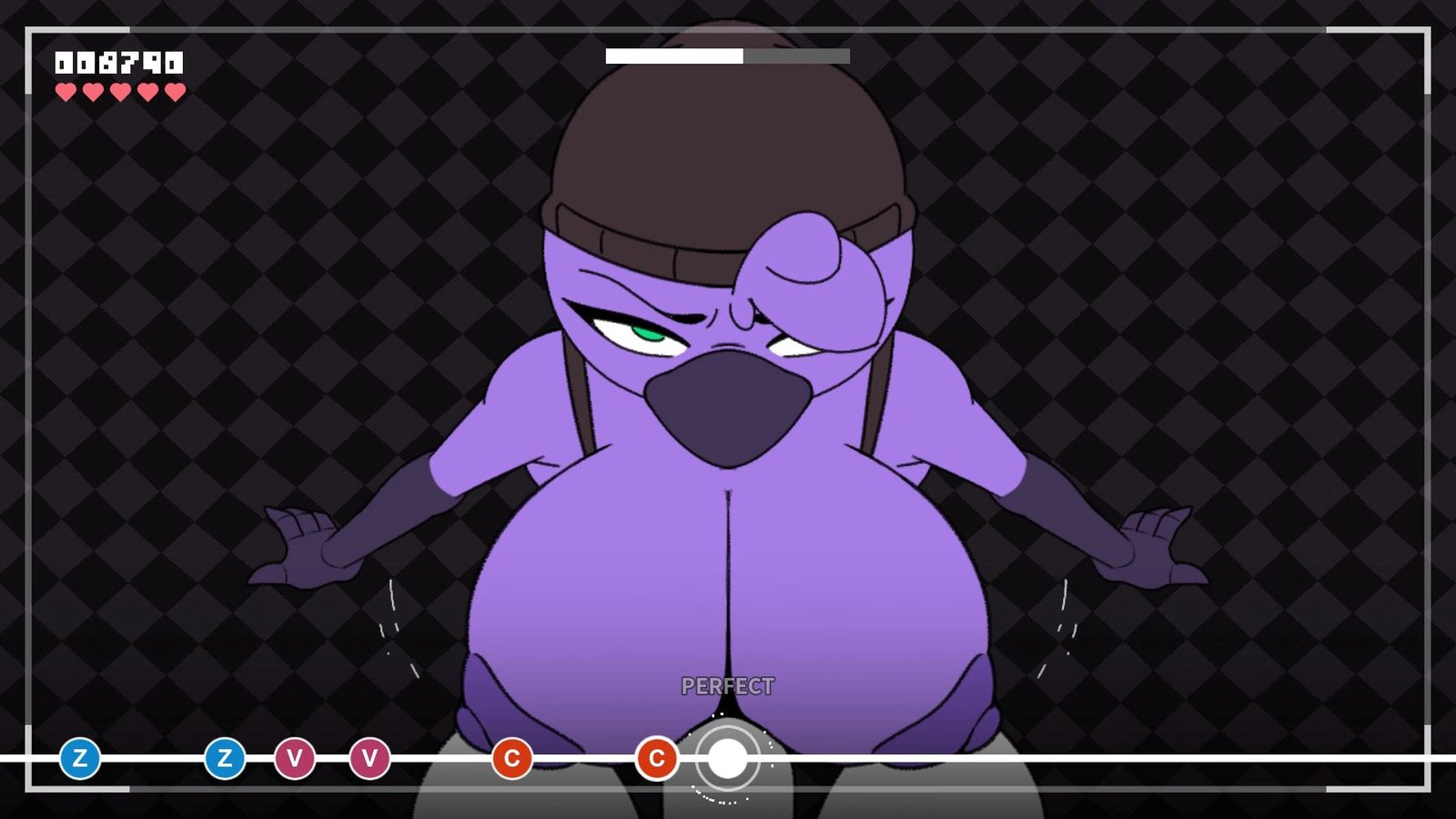

Beat Banger is a simple NSFW rhythm game created using the Godot Engine.
This is BunFan Games’ first ever released project
Installation:
1- Extract and run.
Developer: BunFan Games/KomDog Co.
Censored: No
Version: 2026-07-28
Language: English
Genre: 2dcg, Anal sex, Animated, Big ass, Big tits, Creampie Furry, Male protagonist, Monster girl, Strategy, Titfuck, Vaginal Sex
v26w14
Spoiler
CATHY’S VOLUME 2 LEVEL IS FINALLY HERE.
We wanted to try something different this time around when it came to the animation quality. Sure enough, it paid off, but it took much longer than we expected. We were a bit overly ambitious with her level, but we wanted to try adding two cum scenes. And now that we know how long it takes to produce that sort of detail, we will take steps to maintain our quality. But… do it just a little bit faster this time.
Collectables
A while ago, we conceptualized a Gachapon machine in Jasmine Shop that lets you collect items using tokens. We scrapped the Gachapon machine idea because it was too convoluted and just gave players collectible items for doing things throughout the game.
You can gain some collectables by beating certain levels or by clicking certain things in certain menus.
Not all the collectables are available yet, but each one has a short description that ties together a couple of things related to beat bangers lore.
Calibration (BETA)
Are the music and the notes just not lining up correctly? Well, we’ve got a solution that’s currently in beta. By going into the Escape menu and going into the Gameplay settings, you’ll see a button for a calibration menu. There, you can adjust the delay in milliseconds between your audio and video so your notes line up better.
Up Next…
Up next is Makayla’s level. We’re taking a lot into account this time to try and get the animations done a whole lot quicker than Cathy’s.
We appreciate everyone who stuck around for the development of this game. It’s been super stressful getting to this point, but we’re slowly but surely getting closer to being done.
Known Issues
Sometimes the theater won’t load cutscenes properly.
Some collectibles are currently unachievable. We’re working on putting an indicator on those.
Let me know if you guys find any bugs that aren’t listed here. There’s a little bug reporting button on the main menu if you find something. 🙂
Download for Windows
Download for Linux (v26w14)
Download for Mac (v26w14)
- swipe down to hide the ui
- swipe left to roll back
- swipe right to start skipping of text
- swipe 2x left&right to open the game menu
- swipe up&down to toggle a small window with memory usage information
- longpress the save file thumbnail in the save/load screen to delete this slot
Download Cheat mod
Features:
Spoiler
Autoplay mode patch – let’s you always hit even without playing.
Installation:
Spoiler
CE FAQ
Have Cheat Engine installed, run the game, run the table, attach/actiavte, during the rhythm game activate the Autoplay script. On success it will become ticked.





Anonymous
FURRY = FAGGOTT!