

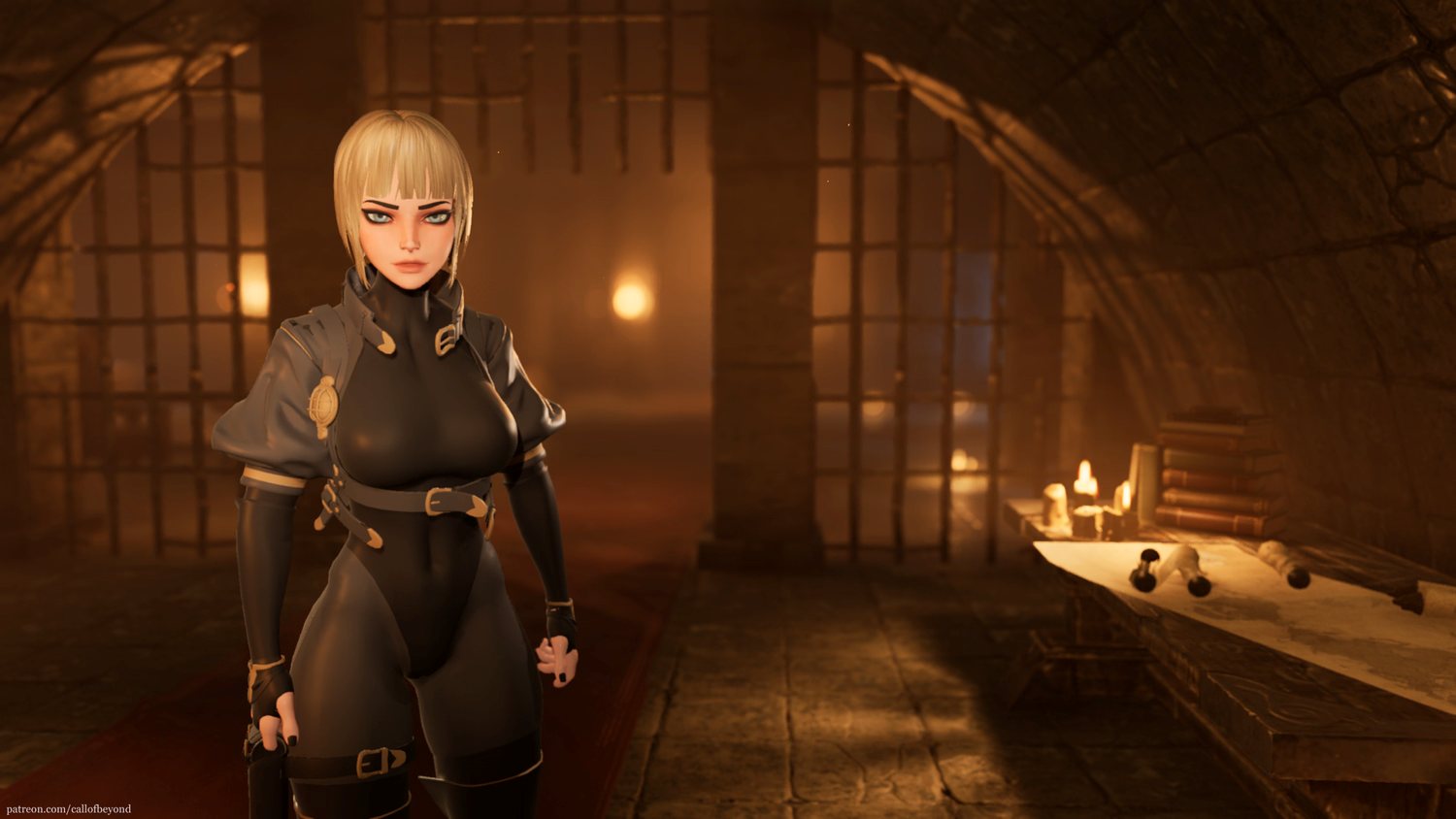
“Call of Beyond” is an upcoming free third-person RPG that immerses you in a dark fantasy world where your wits and keen sense of danger will be keys to your survival.
As you embark on your journey, you will confront trials that will strip away your humanity, molding you into something altogether new.
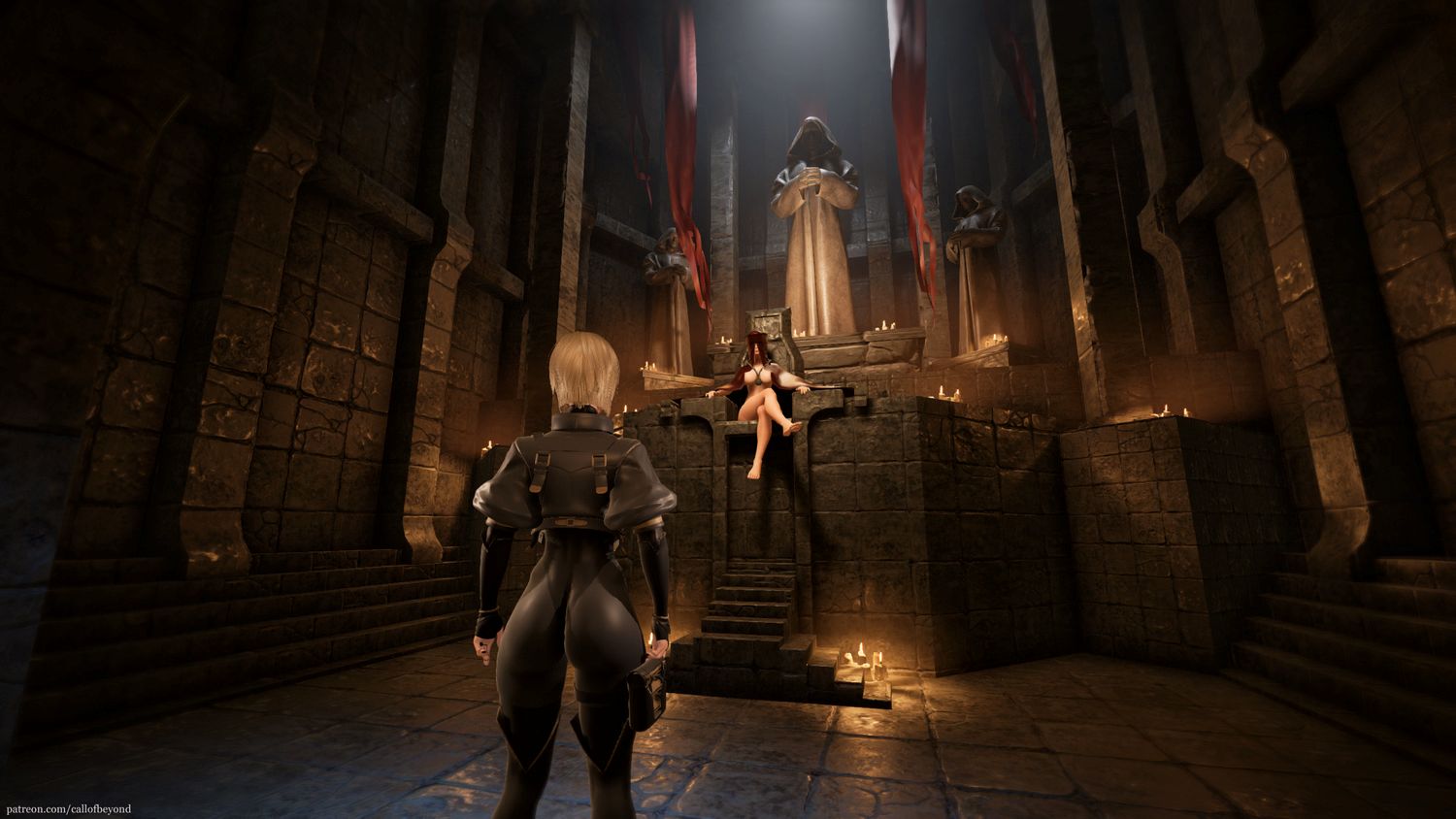
In this immersive adventure, you play as a young acolyte of the All-Mother – a female-only religious order dedicated to uncovering the secrets of a mysterious newly-created area of the world called Ghost Frontier. Your research mission will take you to places where humans dare not tread, and where strange and terrifying creatures roam.
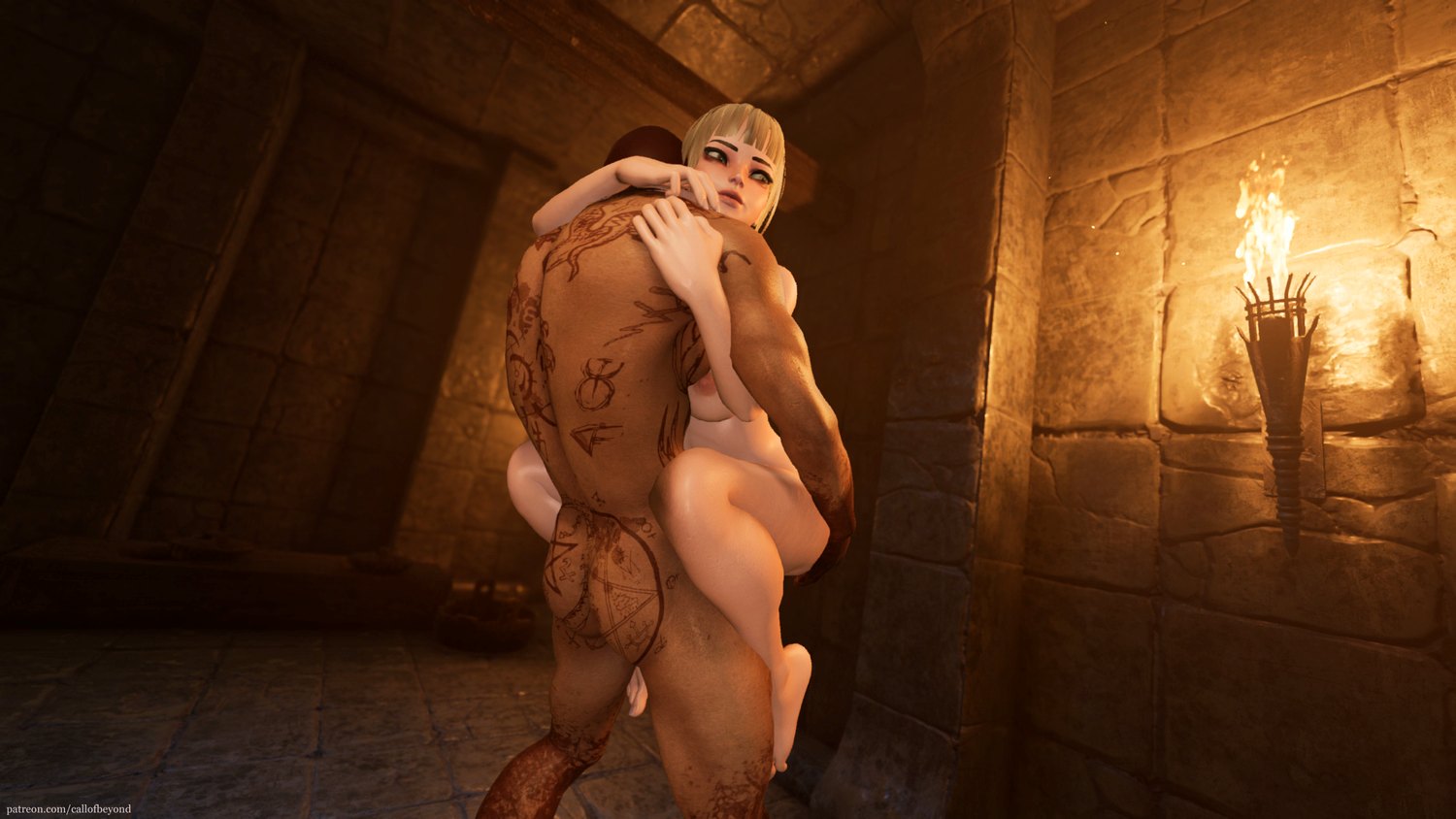
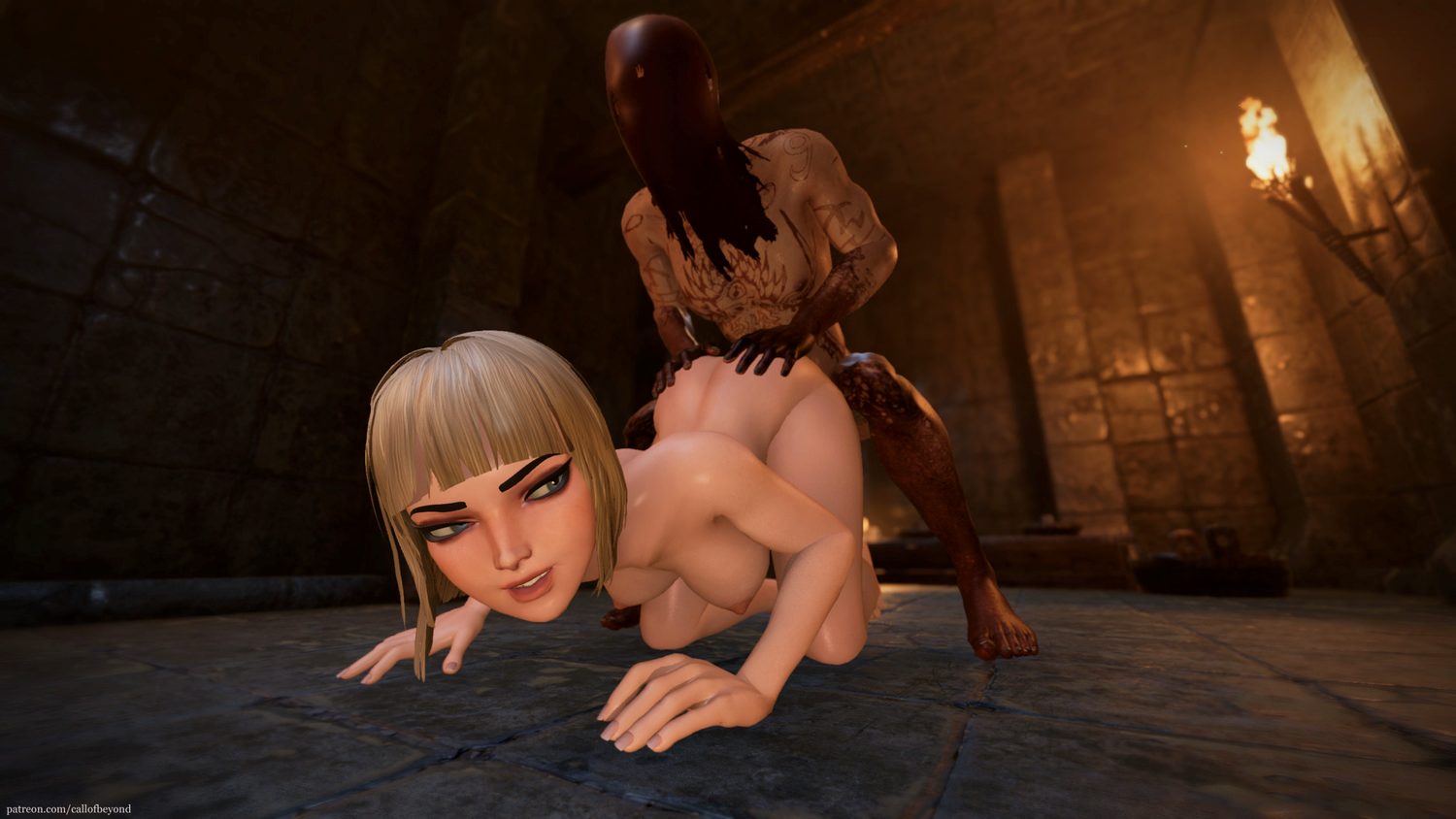
In “Call of Beyond,” you will have to use all your wits and survival skills to stay alive and thrive in this dangerous world. You will encounter a vast array of creatures, both familiar and bizarre, and navigate a landscape that is both beautiful and treacherous. As you progress, you will also have the opportunity to engage in fully animated erotic scenes, adding an extra layer of excitement to your journey.
Installation:
1- Extract and run.
Developer: Call of Beyond Team
Censored: No
Version: 0.8 Public
Language: English
Genre: 3D game, Female protagonist, Animated, RPG, Handjob, Vaginal sex, Big ass, Fantasy, Adventure, Sandbox
v0.8
Spoiler
-Updated to UE5
-Lumen lighting & reflections
-ue5 Optimizations + improved ambiend occlusion & global illumination
-improved Senna’s voice in all interactions
-Updated HUB loc (new characters/new quests)
-New assets & background materials for HUB
-New music tracks
-Updated Library loc (new characters/new quests)
-New assets & background materials for Library
-Added Ghost Frontier (myriad of new foliage & other assets, animations VFXs and creatures)
-Fighting System – all related animations/sounds/vfxtentative)
-New Monsters, old were updated too (Echofagus, Scuttler, Brute, Snatcher, Giant Flying Bug, small skull-fly
-monster behavior (tentative) monsters focusing on you, levels of attention to you, roam, attack and spawns
-Massively improved old adult animations (improved polycount on meshes, adult sounds improved)
-New 360 camera (tentative)
-Improved interaction system – now interaction works by proximity – there’s no longer need to aim with center of the screen precisely
-Better skin Shader for all characters
Download for Windows
Download for Android (v0.7)
- swipe down to hide the ui
- swipe left to roll back
- swipe right to start skipping of text
- swipe 2x left&right to open the game menu
- swipe up&down to toggle a small window with memory usage information
- longpress the save file thumbnail in the save/load screen to delete this slot
Download Cheats Engine Table
– What’s Cheat Engine
– How do I get a copy of Cheat Engine
- Official Cheat Engine website – a free, compiled executable. While installing, make sure you decline all adware
- Dark Byte’s Patreon – $2.5/mo membership to get the latest releases and hotfixes already compiled
- Cheat Engine Github – if you want to compile it or CE github releases
NB: Make sure you have the LATEST or at least a penultimate version of CE when using others’ cheat tables to avoid incompatibility issues
– What’s a Cheat Engine table
NB: Most cheat engine tables are created for Windows (x86-64 architecture), you won’t find many tables for MacOS apps and arm64 architecture.
NB: You can see the layout of any table by opening it with any text editor like NotePad++
– How does Cheat Engine work
AOB signatures work like this: a byte signature is scanned to find the first match in the .text (code) section, then CE gracefully injects a detour jump to the allocated cheat script (or in a code cave) that tweaks the game behavior and then returns to the next instruction after the injection. Sometimes AOB-based cheat scripts modify a function’s behavior in-place.
Lua scripts that are running in the CE’s lua engine are basically meta-scripts to extend CE’s functionality with a neat API.
– Where do I put a cheat table / .CT file
– How to use Cheat Engine
For cases when tables DON’T have an attach script in them:
When Cheat Engine is opened and/if a cheat table for a specific game is loaded into it, the first thing that’s needed is to attach to the specific game executable.
After pressing this button, you will see active processes with their PIDs exposed by Windows. If you struggle to find yours, check other tabs, there are 3 of them: Application, Processes, Windows.
For cases when tables DO have an attach script in them:
You’ll see a script like *this*, just activate the checkbox. Does it fail to attach? Please read ‘Why does the attach script fails when I activate it?’ below
Once you are attached, activate other scripts that you need and have fun. Usually scripts are quite simple to use, but if there are instructions, just follow them to make it work. Sometimes certain actions are required for scripts to work properly, .e.g pressing a button to catch a pointer, loading into the game/level world to ensure a character actor is constructed, etc.
– How to FREEZE, FREEZE AND ALLOW INC/DEC
If you need to freeze and allow the value to increase/decrease (let’s say you’ve frozen the value at 5000, but you are ok with it increasing to +INF and vice versa with decreasing to -INF). To do that, you can select an address and press MINUS and PLUS on your keyboard, respectively, this same effect can be achieved by clicking just right to the checkbox while it’s frozen like here:
– The value I’ve frozen is being updated faster than CE does that, what do I do?
There’s virtually no latency in how game threads execute opcodes that write to addresses, but you can approximate that by tweaking Cheat Engine
– Why does the attach script fails when I activate it?
2. Does it run, but the table fails to attach? Please find the game executable (not the launcher, the game’s .exe), see its name, then double click the attach script in the CE and see whether it matches the game process name. The reason being that sometimes games have version number in their exetuables so adjusting it every time is necessary to attach (but if the game’s changed the logic, it may still fail).
– OK, I’m attached to the game correctly, but next scripts fail to run OR crash the game. What’s wrong?
NB: If there are instruction I’ve included along with a cheat table, consider that your duty to follow them properly before telling it’s broken.
As stated in ‘How to use Cheat Engine’ section, make sure you are running the CE instance with administrator rights (go to this section to learn how) AND please make sure you are running the latest version of CE
1. I usually specify game versions when I’m rather sure something may break on the next update. Was there an update? That’s the most possible reason it’s not working then: either AOB scan fails due to a changed assembly by a compiler or structure/class offsets have changed (the most possible reason for a crash)
2. If the game version and the version I’ve created a table for match, but the script still fails – that’s different. Either you failed to follow my instructions correctly (if there were any) or the signatures I’ve created a script for weren’t reliable and lack certain checks (I’m more of a cheater than a gamer, so I don’t usually spend much time playing a game if I’ve created a table working for me).
If it’s an update that’s been released (by that I mean the game thread was updated by mods with safe links), kindly reply to my post telling that or request me to update the table in DM/my profile.
Be it the 2nd issue, reach out WITH as much context as you can, I need a reason why it fails and how you discovered that error. There’s a high chance you will be ignored in the thread if you fail to cooperate on something YOU need. But you have higher chances to see my answer if you reach out directly (if you can’t DM me, just ask me to open a conversation with you on my profile)
– Why some of my lua code is encrypted
In some cases I hide it to avoid the script being patched out by a dev.
If you feel anxious using scripts with encoded lua functions, feel free to close the table and never use it again.
– I want to request a table, could you create a cheat table for X?
Games I can create cheat tables relatively fast for:
- Unreal Engine 4+
- Unity (mono/il2cpp)
- Godot Engine
- Custom Engines or directly compiled games
– Can you teach me?
One or two specific questions? Sure, feel free to reach out, you won’t be the first to ask.


Anonymous
This game works on Win 7 and has quite perverted sex scenes as well as supposedly intriguing story but in previous versions it was seemingly impossible to leave starting area. I wonder how far we can get now…
Anonymous
It gets you nowhere now on Win 7. Can’t even start the game anymore. Development goes well I guess.