Overview
Info
Changelog
Overview
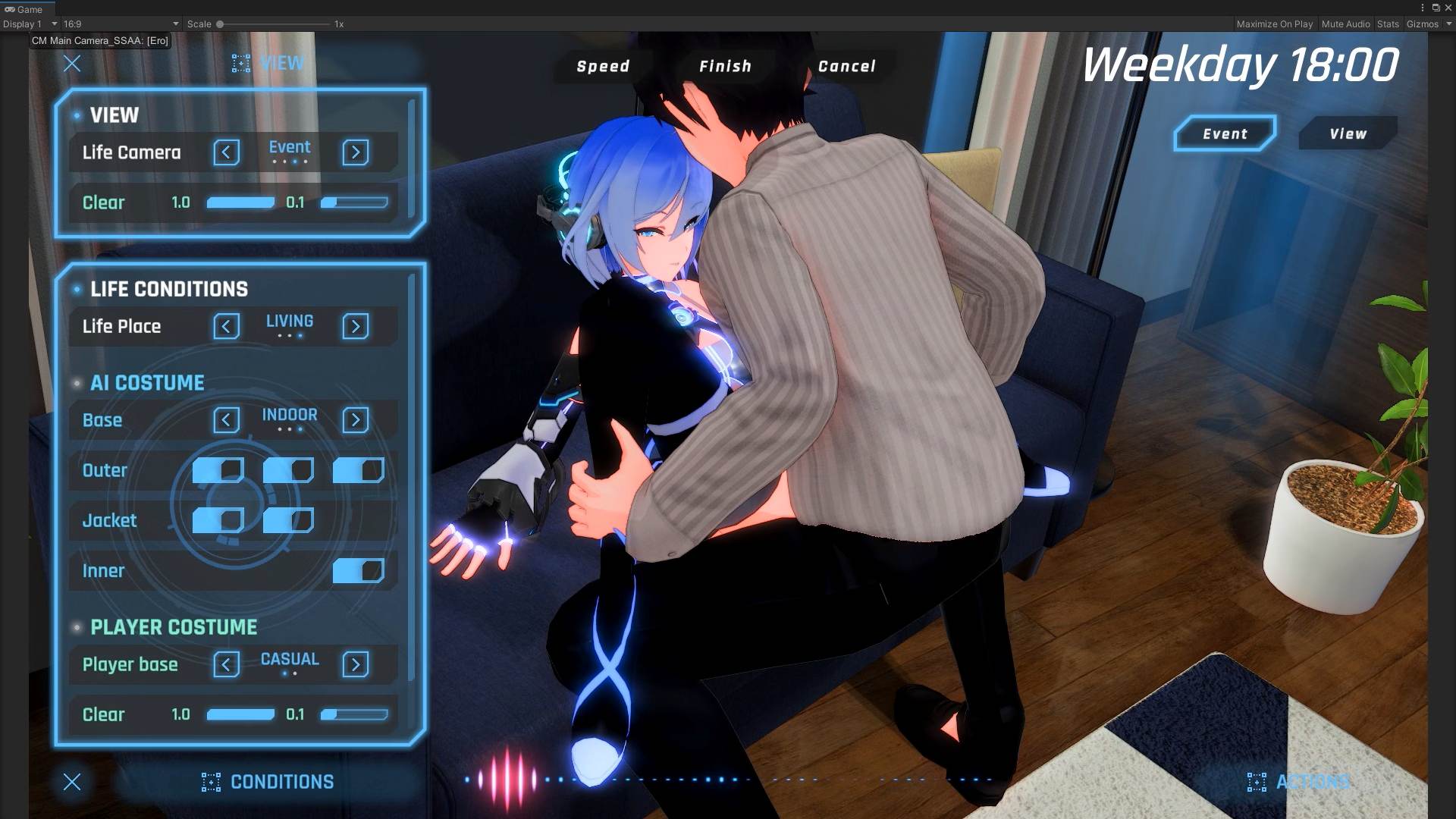
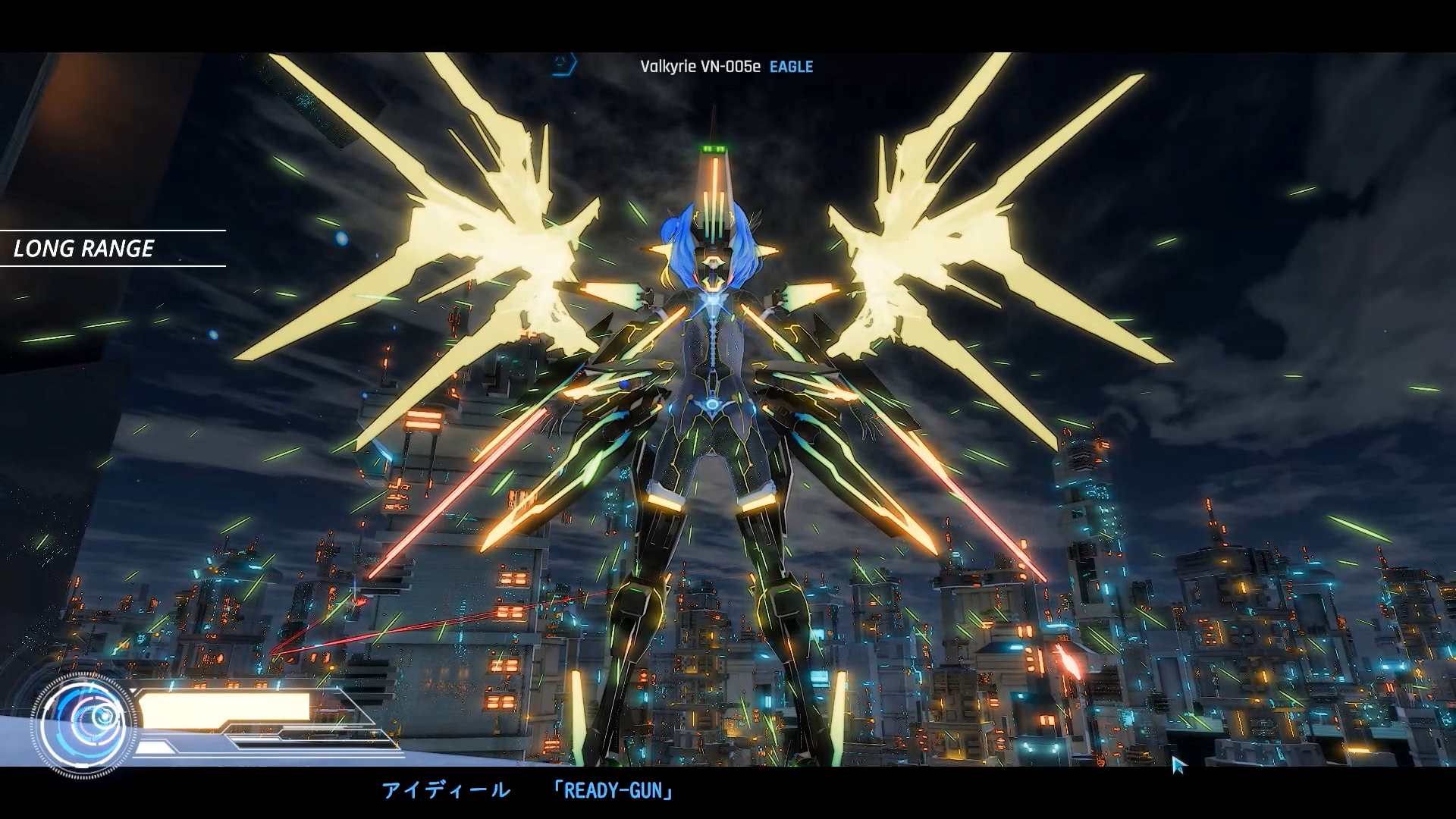
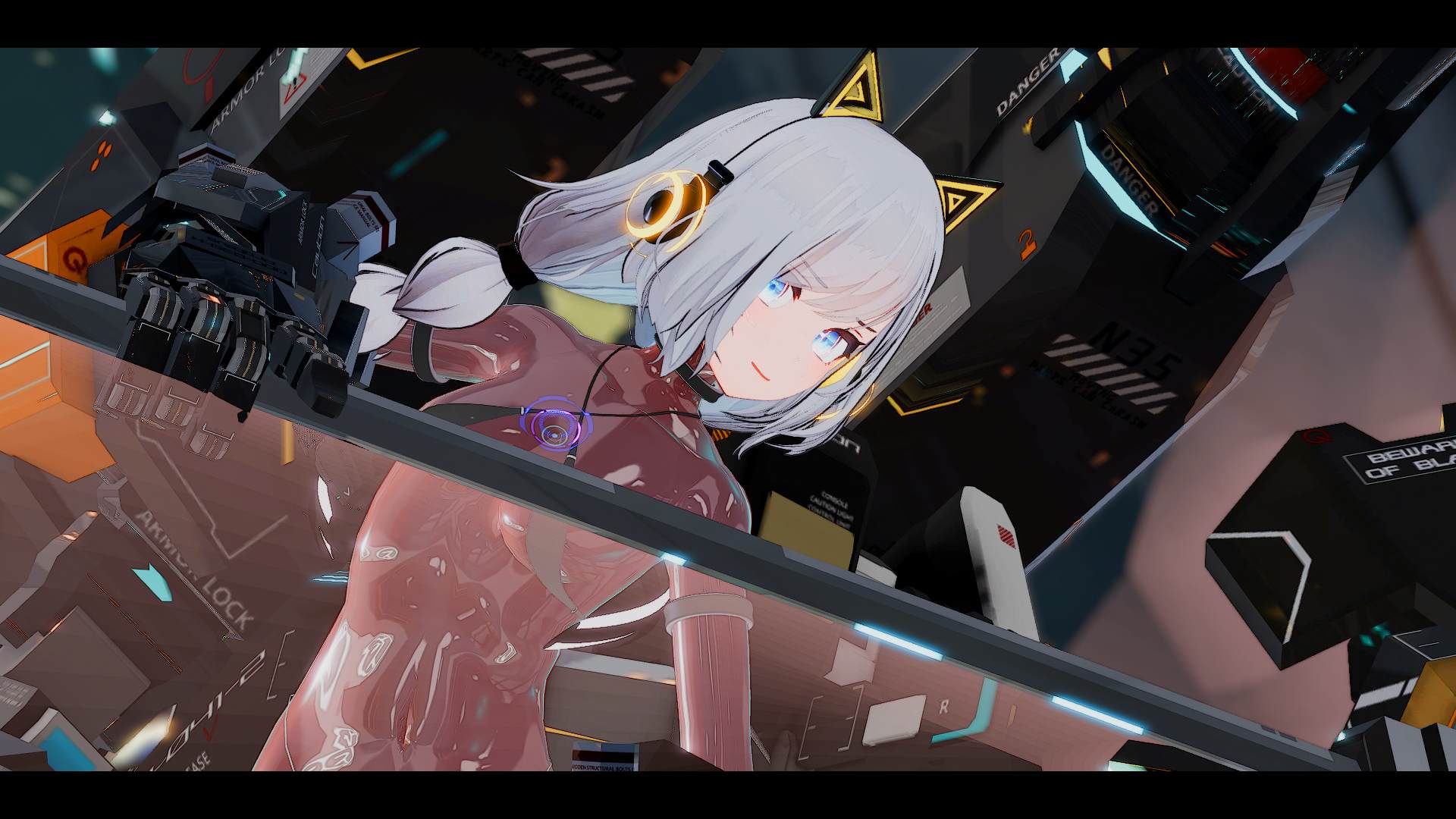
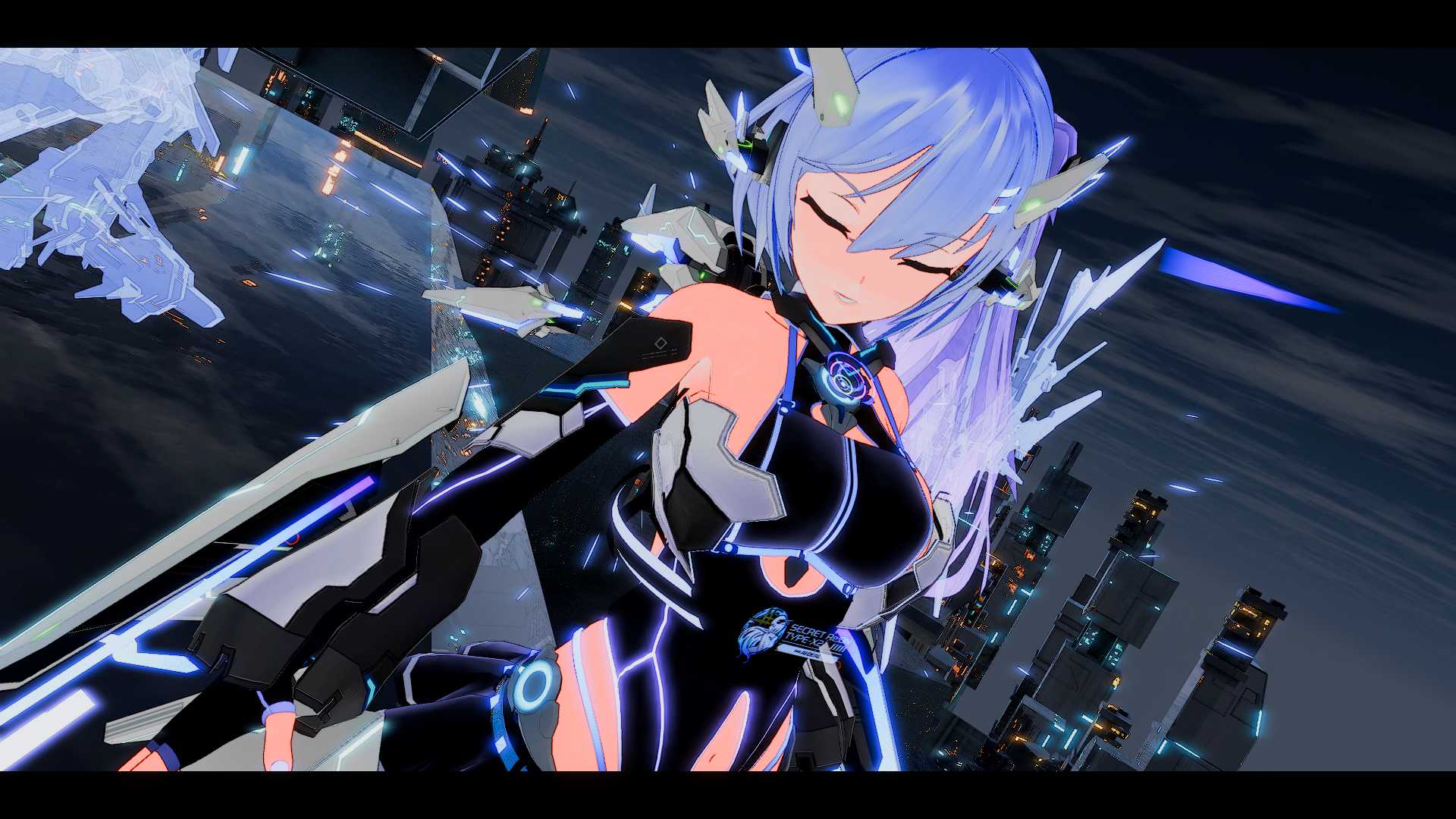
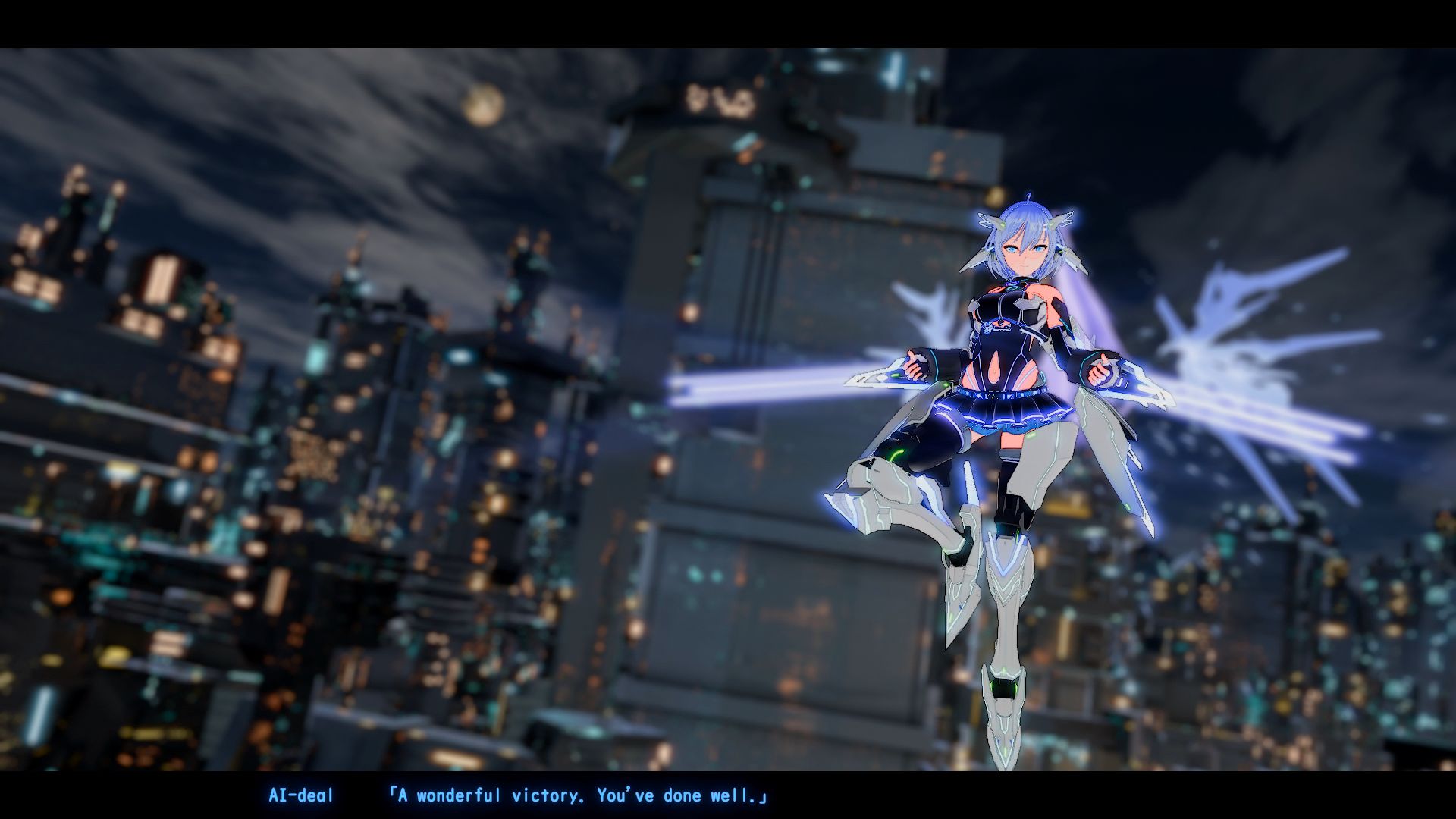
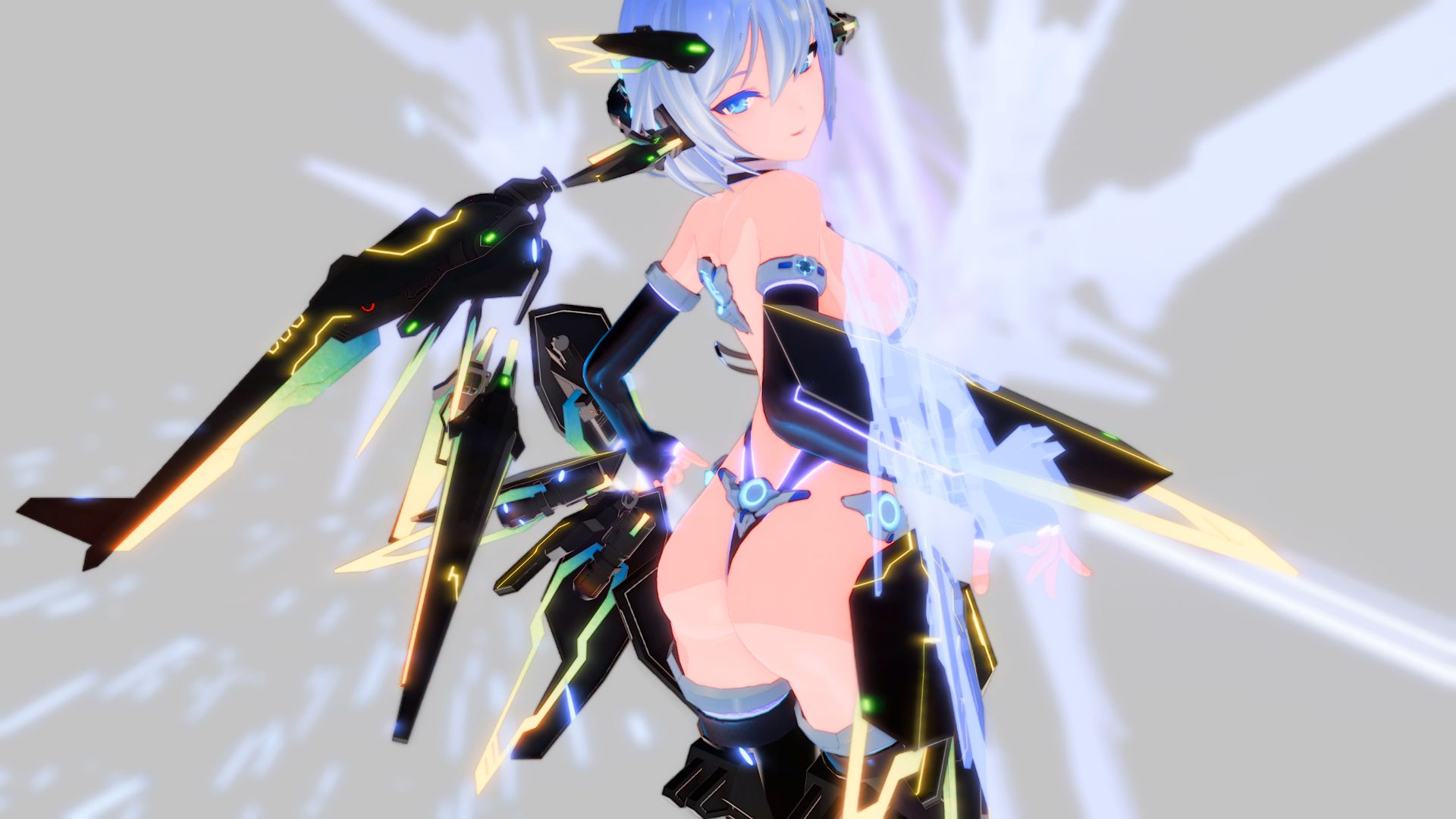
“AI deal Rays” is a high-speed 3D action set in the near future.
Unlike Snow Brandia, it has a depth, and we plan to prepare a target system.
It’s as easy to operate as Snow Brandia, and it’s more flashy and cool than Snow Brandia, and we aim to create an erotic experience that goes far beyond Snow Brandia.
Info
Installation:
1- Extract and run.
Developer: Riez-ON
Censored: No
Version: 2.1.1
Language: English
Genre: 3d game, animated, female protagonist, censored, japanese game, vaginal sex, groping, shooter, sci-fi, fantasy, adventure, customization, combat
Changelog
2025-04-27
Added Steam Early Access
v1.9
– Added the first H event in the update “Toilet Nyan Nyan”
– Added the second H event in the update “Oneshota Hot Spring”
– Chinese (traditional characters added)
– Free camera Ver2 added
– H motion individual playback function added
– Layered costume system added
Download for Windows
Direct Download
Download Mirror
Download Mirror 2
Download for Windows – Split
Direct Download Part 1
Download Mirror Part 1
Download Mirror 2 Part 1
Direct Download Part 2
Download Mirror Part 2
Download Mirror 2 Part 2
Download AI deal Rays v1.9 DLC
Direct Download
Download Mirror
Download Mirror 2
Download AI deal Rays: Lovey-Dovey Sex App v1.0.3
Direct Download
Download Mirror
Download Mirror 2
Download Steam Early Access Release
Direct Download
Download Mirror
Download Mirror 2
Download Steam Early Access Release – BATTLE BUILD
Direct Download
Click here – To learn how to Play Latest version on android!
Ren’py game touch gestures on android
- swipe down to hide the ui
- swipe left to roll back
- swipe right to start skipping of text
- swipe 2x left&right to open the game menu
- swipe up&down to toggle a small window with memory usage information
- longpress the save file thumbnail in the save/load screen to delete this slot
Download Saves
Download Uncensor plugin
Download
How to install Patch?
Features
- Uncensored
- Unlock All Button
- F1 : HP / Burst
- F3 : Dick Opaque. Shift-F3 : minus 10%. Ctrl-F3 : toggle
- F4 : Change Costume
- F5 : Undress Mobs All. [F/M/None]
Install
- extract BepInEx BE to game folder.
- extract helper plugin to BepInExplugins folder.
- enjoy.
If the debug console windows is annoying, edit BepInExconfigBepInEx.cfg
[Logging.Console]
## Enables showing a console for log output.
# Setting type: Boolean
# Default value: true
Enabled = false