

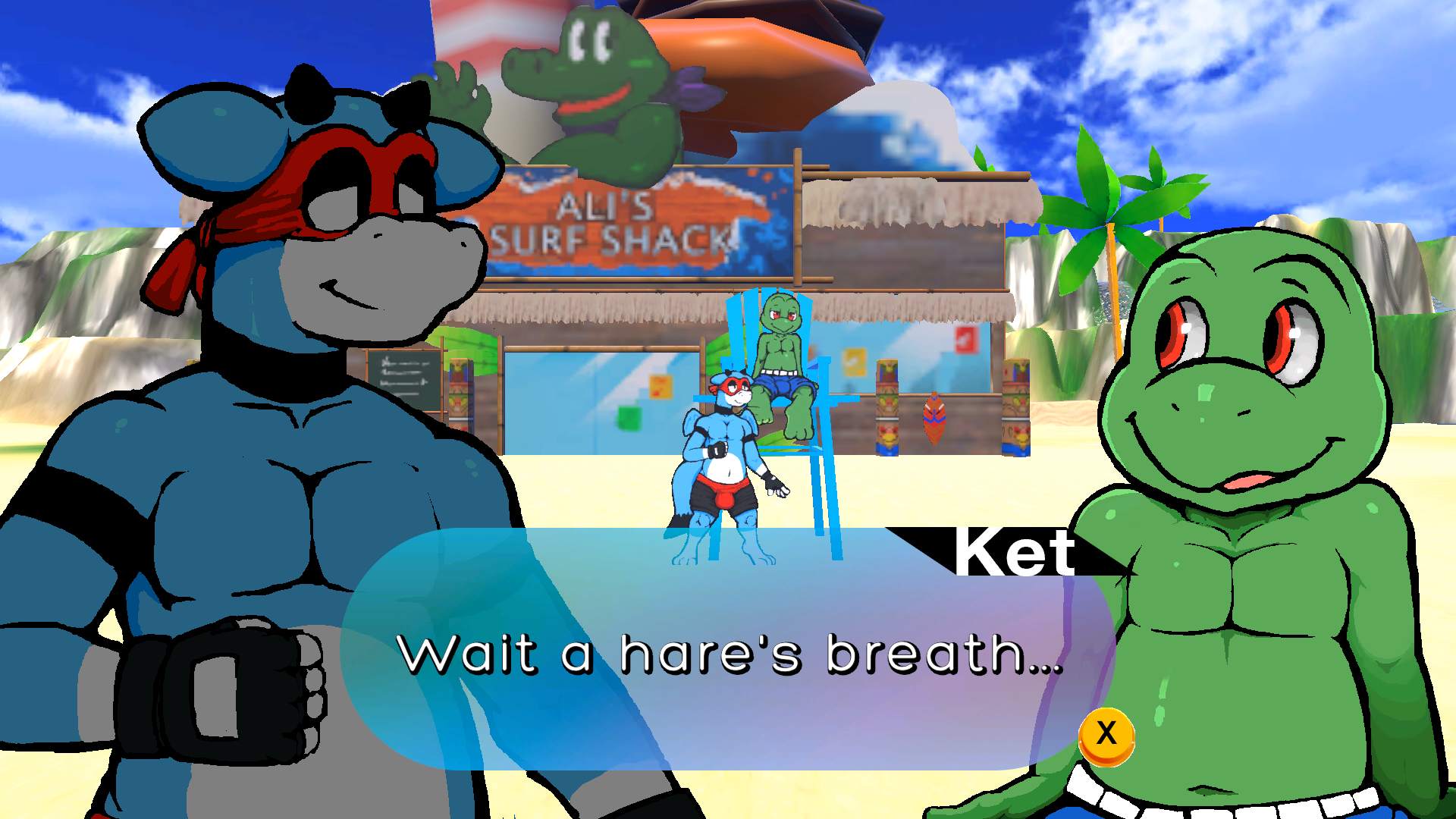
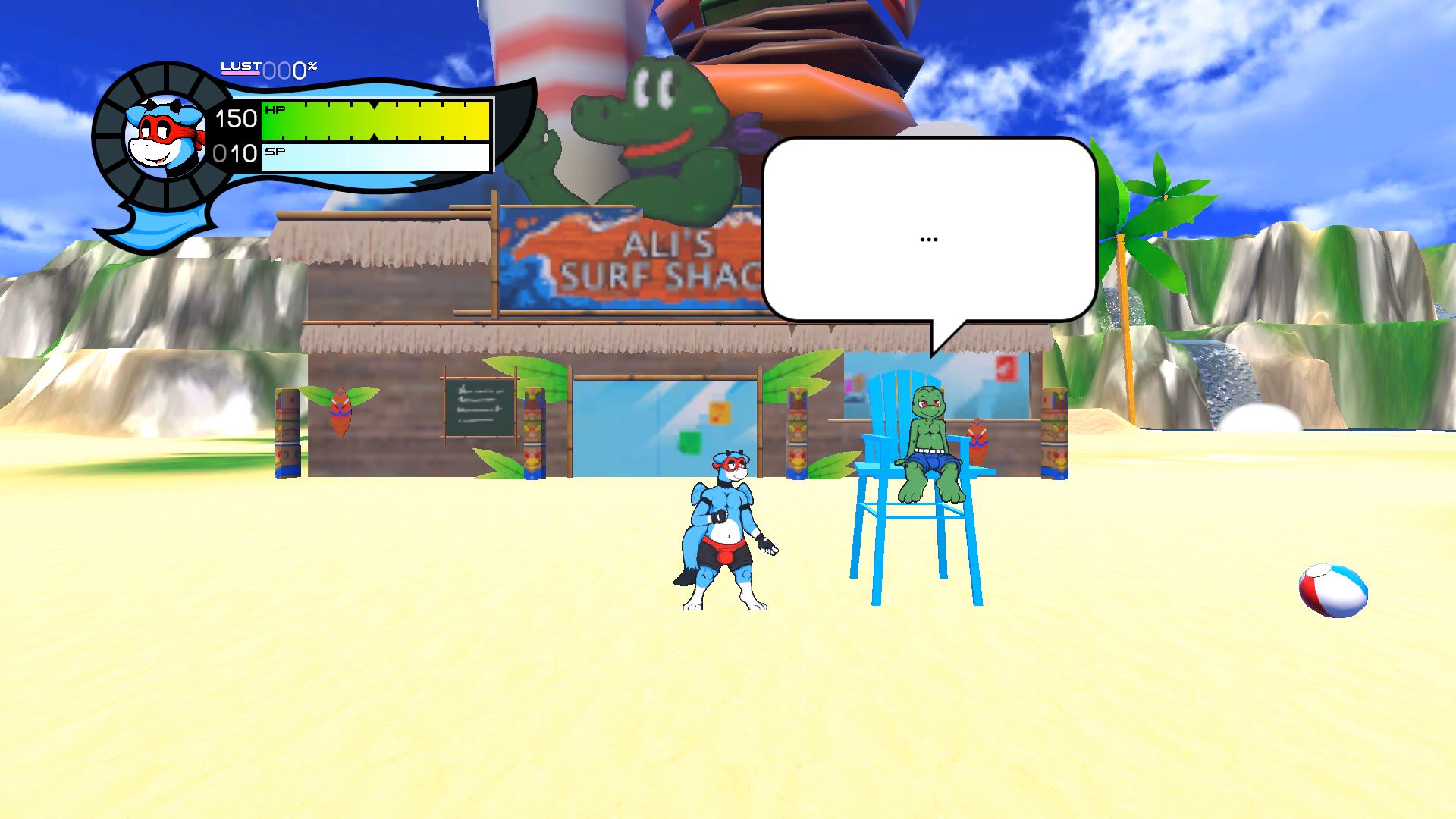
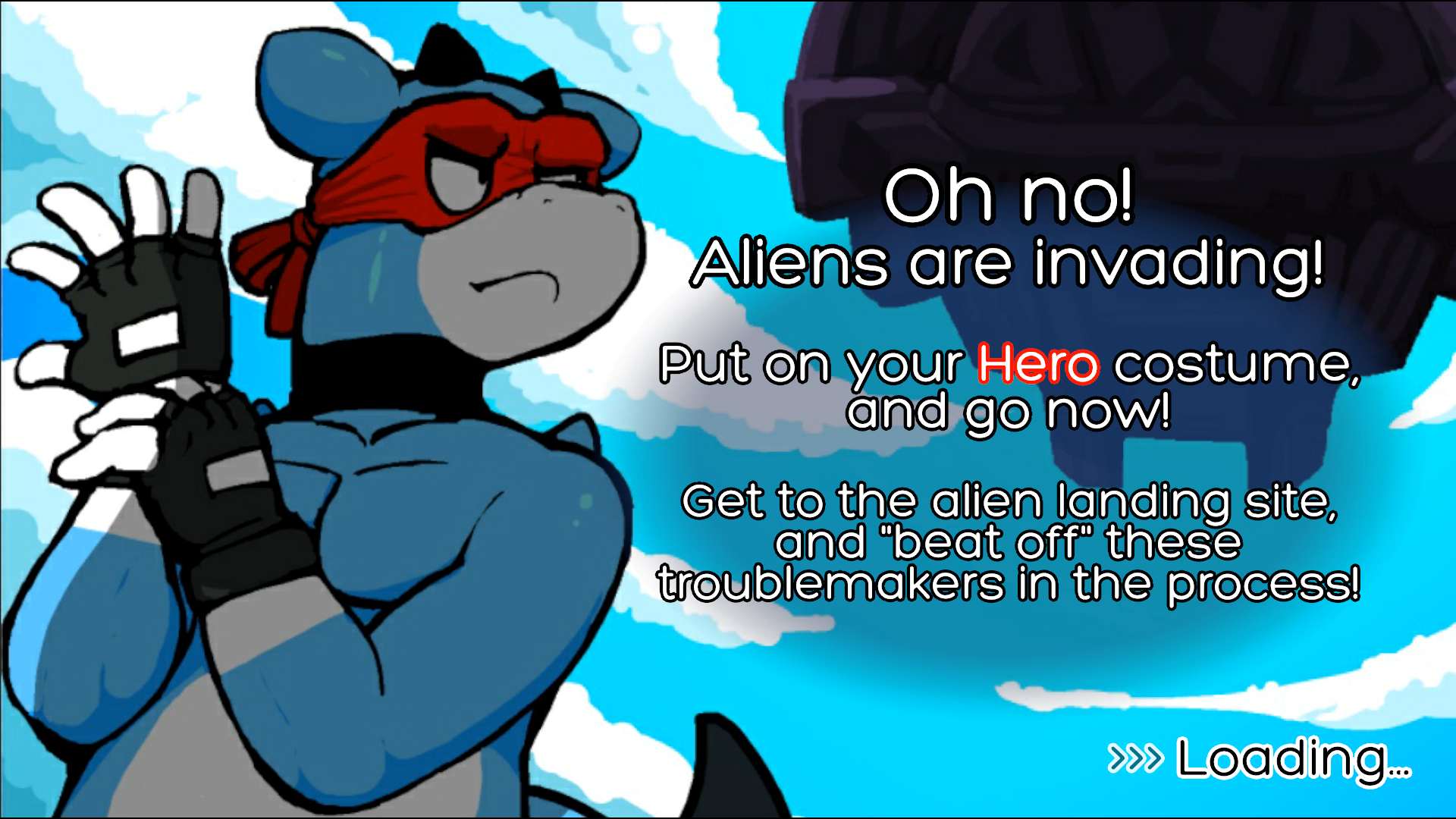
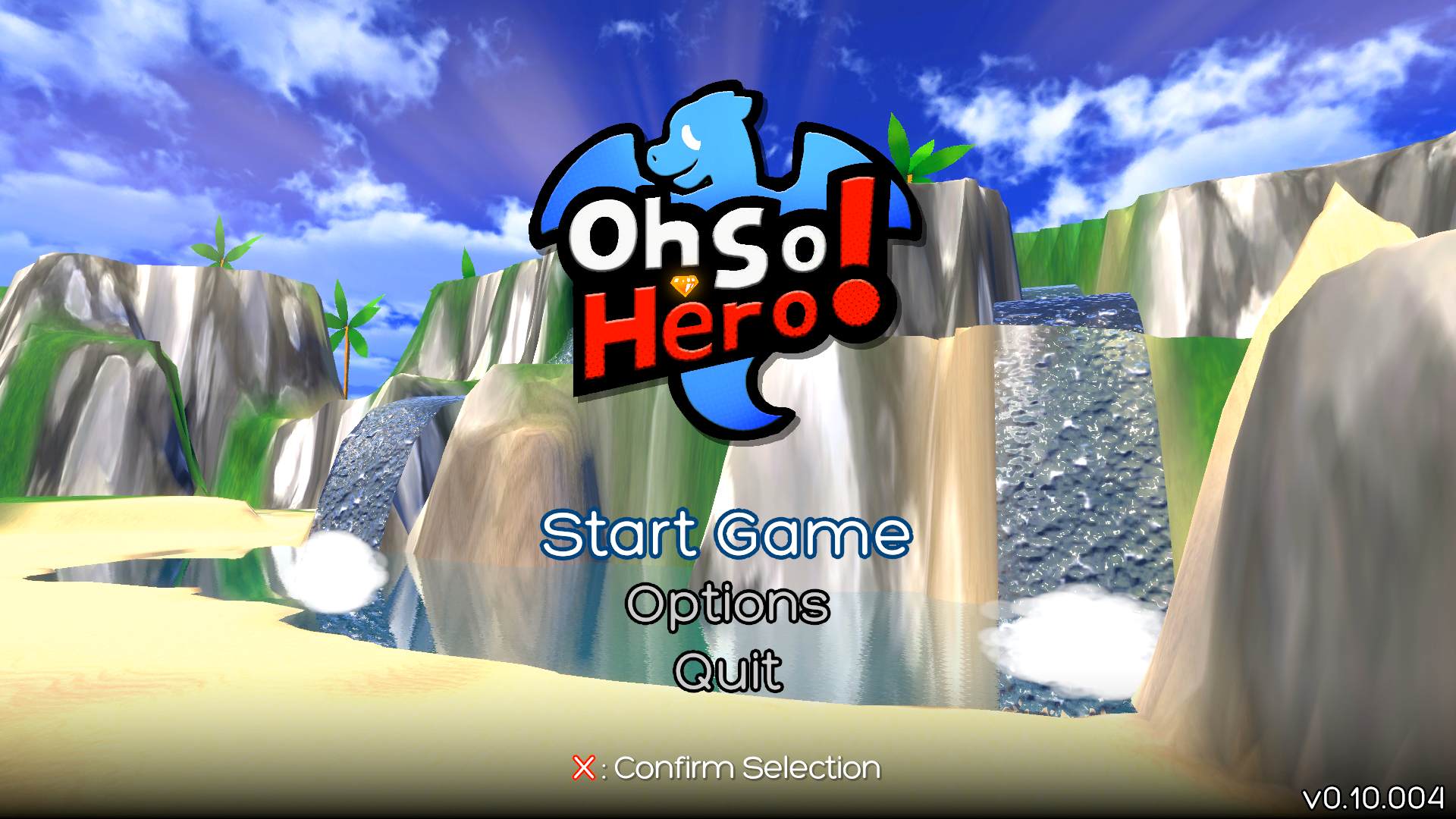
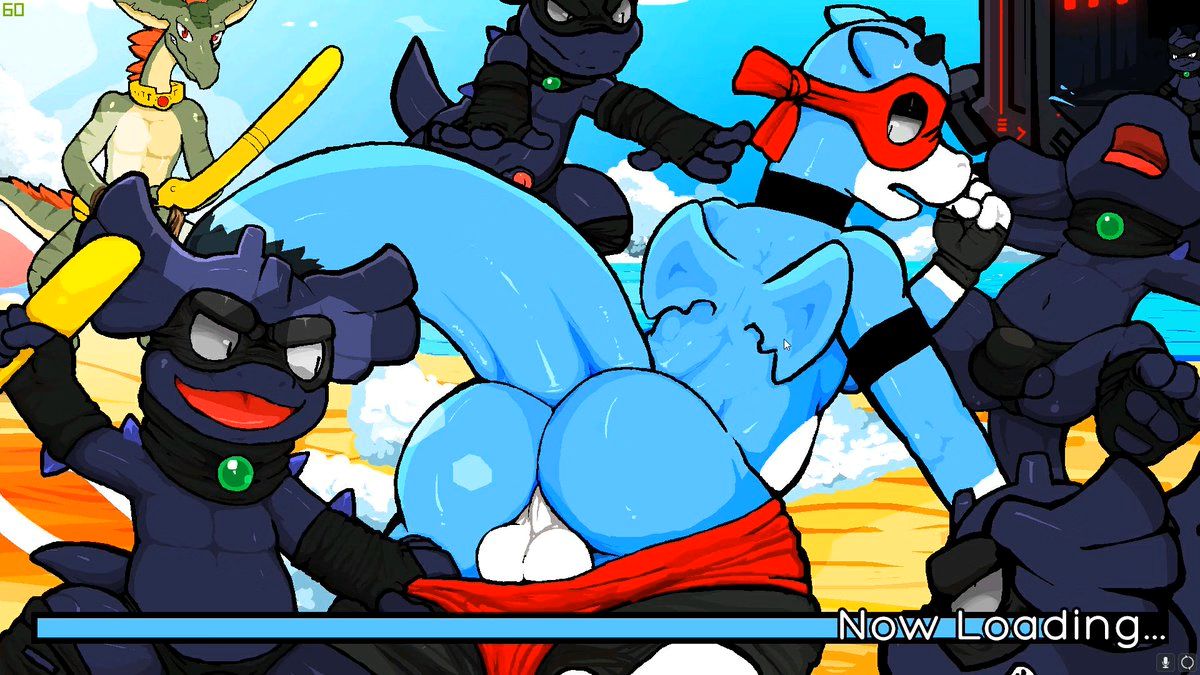
Oh So Hero is a 2.5D Lewd Metroidvania PC game in development
In Oh So Hero, you play the role of the dragonesque hero Joe to fight and fornicate with enemies, build intimate relationships with anthropomorphic characters, and embark on a sex-filled adventure to stop the mysterious alien invaders that have wreaked havoc on Joe’s once-peaceful island.
Installation:
1- Extract and run.
Developer: Full Frontal Frog
Censored: No
Version: v1.12.004
Language: English
Genre: 2DCG, 2D Game, Furry, Gay, Anal sex, Footjob, Platformer, Animated, Combat, Oral sex, Handjob, Teasing, Masturbation, Sci-fi, Side-scroller
v1.11.000
Spoiler
Summary:
This is the eleventh build following the release of Act 1. This build is not recommended for new players. New players should use v1.10 (currently live on Steam). This v1.11 Beta Build is the first build in a series of occasional experimental builds that can be used to preview new features, but may contain some game breaking bugs. On Steam, a new “beta” branch will be created so Steam players can check it out there.
We have been busy with localization, so I apologize that I couldn’t show off anything more interesting. But I’m fixing bugs more quickly now (v1.12 will arrive within a month as a legit bug fix build) and I’m looking at getting new features done soon. Thanks for your patience and support! =}
Build changelog:
Here are the changes made since the last release (v1.10.000)…
New features:
New Options Screen UX (added between v1.10.000 & v1.10.044)
This is not a full redesign. I just wanted to move some things around to make the description easier to read, which is important in English and other languages, as well as playing on Android and Steam Deck. This is just one part of many changes I made to accommodate the 13 additional languages we plan to add! (I’d like to give you all a preview of the localization work next month.)
Android note: It’s currently difficult to tap on the value selection arrows (“<” and “>”). I’ve already prepared a fix for the next version, v1.12!
New desktop mouse cursor visibility option
Hidden During Gameplay (old/default)
Visible When Paused (new) [shows the mouse cursor on the pause menu]
Let me know what you think. Is this working correctly? Any other mouse cursor option you want to see here? =}
Improvements & bug fixes:
Done between v1.10.000 & v1.10.044:
Fix: T#6 Rapidly switching between levels causes complete control lock-up.
Fix: HP bars are now hidden for enemies entering a multigrab.
Fonts are updated and text has been adjusted game-wide.
Added input glyph to Joe knocked out message: [“Press (A) to Continue”]
Done between v1.10.044 & v1.11.000:
Fix: Map screen UI layering.
Fix: Speech bubble positioning and layering.
Fix: Area name waits for loading screen fade out.
Fix: Pause menu cursor has corrected oscillation.
Added extra logging around victory against Bates to help with the known issue.
And even more fixes that are too trivial to list!
Known issues:
Bates lockups:
The game may freeze (soft-lock) after beating Bates.
The game may freeze after the ending cutscene.
These issues may occur intermittently.
This bug reappeared while adding code for localization into different languages. We are still trying to find a solution for this. (If you encounter this issue, please send us a debug log!)
Enabling and disabling touch controls will not immediately restore the mouse cursor if it was visible before.
(The following known issues for v1.11 already have fixes prepared for the next version, v1.12.)
Android: Option screen value selection arrows are difficult to press.
Clicking/tapping on a value selection arrow makes the category name invisible (black text on black background).
When entering an area and then pausing the game, the area name overlays the pause menu.
On the title screen, entering and exiting the options screen makes the “Options” text on the title screen bigger and bigger.
Title screen back button:
The title screen back button is difficult to click/tap on (only visible with touch controls enabled or mouse cursor visible when paused).
This button is going away in the next version. Starting in v1.12, you can click/tap the “Oh So Hero! Act 1 Main Menu” corner banner to return to the initial “Oh So Hero!” title screen.
Download for Windows/ Linux - x64
Download for Windows/ Linux - x32
Download for Linux
Download for Mac - Intel
Download for Mac - Apple
Download for Android - x86
Download for Android - x64
- swipe down to hide the ui
- swipe left to roll back
- swipe right to start skipping of text
- swipe 2x left&right to open the game menu
- swipe up&down to toggle a small window with memory usage information
- longpress the save file thumbnail in the save/load screen to delete this slot
Download Gallery Data & Save Files
Gallery save is up, & this time I’m including a save file too. I’m doing this because of the feature added a build or two ago where you no longer have to talk to NPCs again to access their scenes in-game every time you launch, as well as fast-forwarding already-seen dialogue. Let me know if I missed anything with the latter! (It goes over slot 3 by default, but it can be moved simply by changing the “03” in its filename to 01 or 02.)
And incase anyone doesn’t remember, these should be placed in “C:\Users\[USERNAME]\AppData\LocalLow\Full Frontal Frog\Oh So Hero!”
Download CG
CG (computer Graphics) is basically only the images and videos form the game without the game files themselves. You don’t need them in order to play the game. Download them only if you wish to browse the images and videos without playing the game itself.


Anonymous
Fags are never heros. Only villains.
Incel is a Cult
Incels are never heroes. Only villains.
Anonymous
Oh so gay!
Some day super aids will come cleanse the Earth.
Some day super aids will come cleanse the Earth.